
 Facebook
 Instagram
 X (Twitter)
 TikTok
 Pinterest
 YouTube
 LinkedIn
 Threads
 Google Business Profile
 Telegram
 Discord
Posting to YouTube
Yoomru uploads product videos to your YouTube channel, ready to appear as Shorts when they are vertical and short.
What you can post
- Videos only. YouTube has no image or text post type, so this channel needs a video source:
- Generate a video: a branded product video rendered from one of your video templates at publish time.
- A video attached in the composer from your product media.
- A video title built from your template, plus the post text as the video description.
Vertical videos under 60 seconds are treated as Shorts by YouTube automatically; the generated product video templates fit this format.
Connecting
- Open Channels, press Add channel, then Connect on the YouTube row.
- Log in with the Google account that owns the channel and approve the YouTube permission.
The YouTube channel connects as one Yoomru channel.
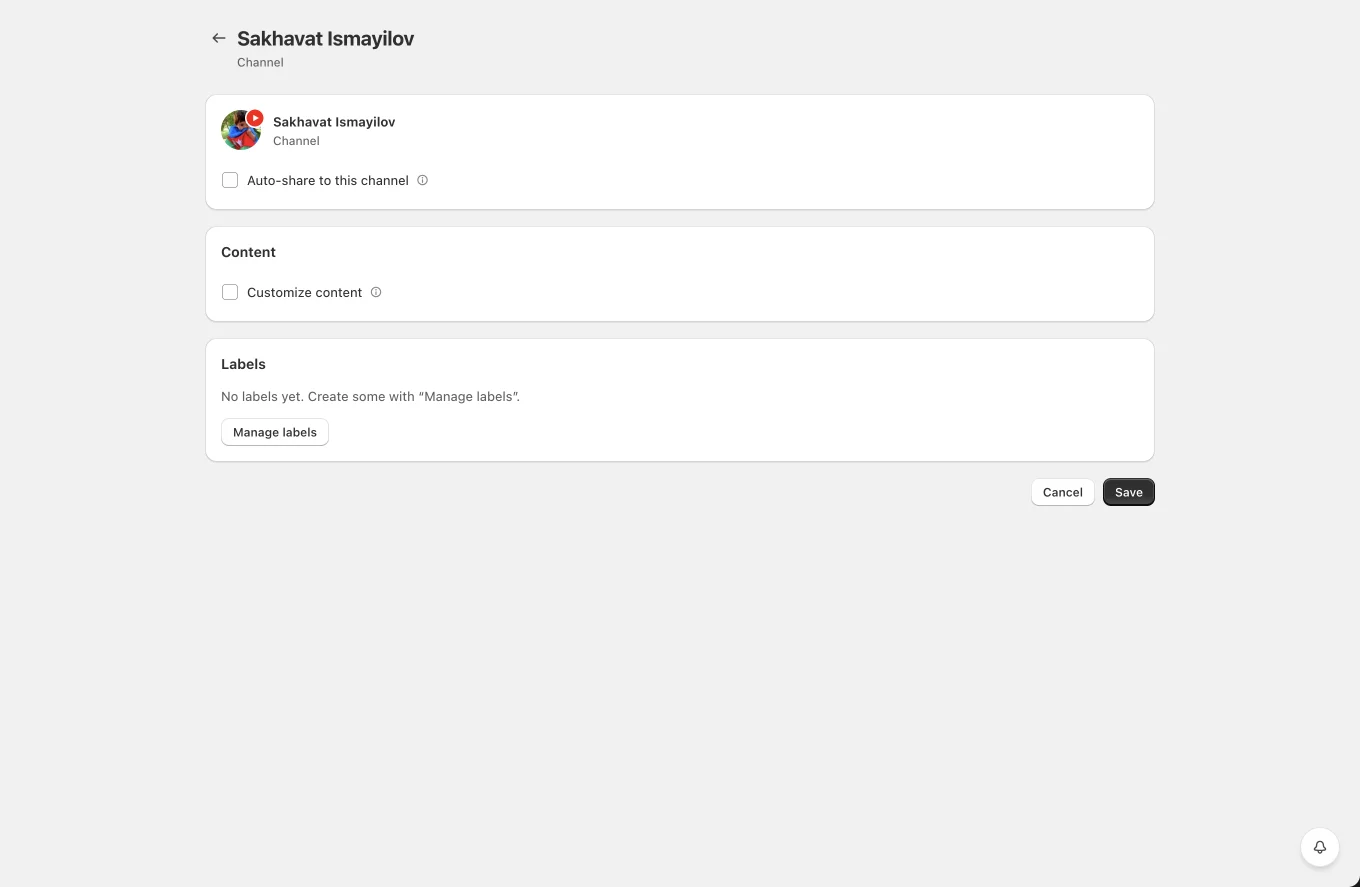
Channel settings
- Auto-share to this channel with product filters. Make sure the media mode is Generate a video, otherwise auto-shares have nothing to upload and will fail.
- Video title template, resolved per product.
- Customize content for a per-channel description template.
- Labels for planner targeting.
Tips and limits
- The YouTube API grants a daily upload quota per app and account. If you plan high volumes, spread posts using planner schedules.
- Uploads are processed by YouTube after publishing; the post links to the video as soon as the upload completes.
- If the Google account loses access to the channel, posting fails until you reconnect.