
 Discord
Auto-post Shopify products to Discord
Drops and restocks land in the channel your community already sits in. One webhook URL, pasted once, and new products announce themselves in #new-arrivals.

New in store, the Aurora Linen Dress.

One URL. That is the whole setup.
No bot to install, no permissions screen, no app review waiting on someone else. Discord hands you a webhook URL for a channel and that URL is the connection. It does not expire, so this is a channel you set up once and never reconnect.
Settings, then Integrations, then Webhooks.
Name it after your store and copy the URL.
Yoomru checks it immediately and names the channel.
A server with #new-arrivals and #restocks connects twice, once per webhook, and each channel keeps its own template and schedule.
Embeds, not attachments
- Product images go in as embeds, up to ten in one message
- A video goes in as its own link and Discord unfurls it into a player
- Two thousand characters, with the product link appended when it is not already there
New in store, the Aurora Linen Dress.
50+ templates, rendered from your catalog
Vertical 9:16 video for Reels, TikTok and Shorts, built from the product's own photos and your brand kit. Every clip below came out of the renderer. Hover one to watch it run.

Product Showcase
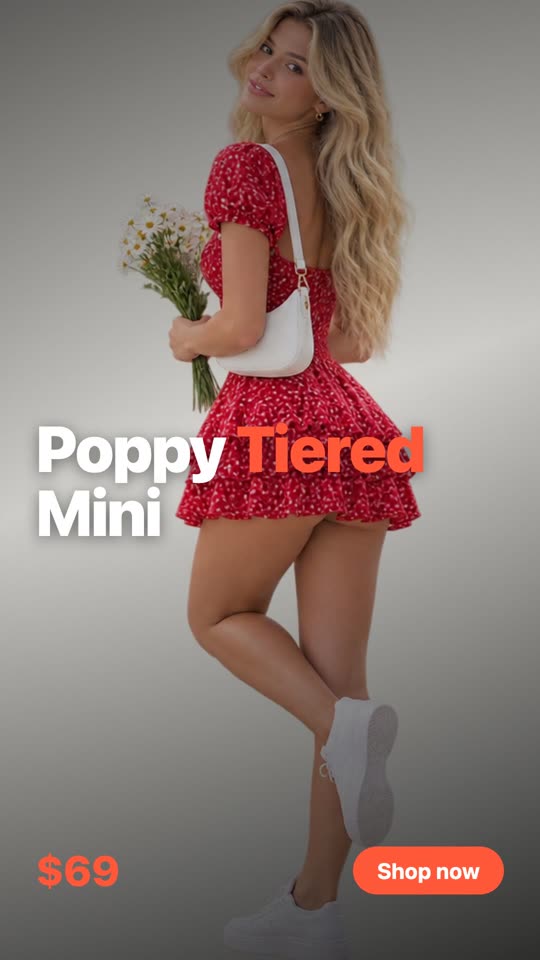
Bold Type

Flash Sale

Lookbook
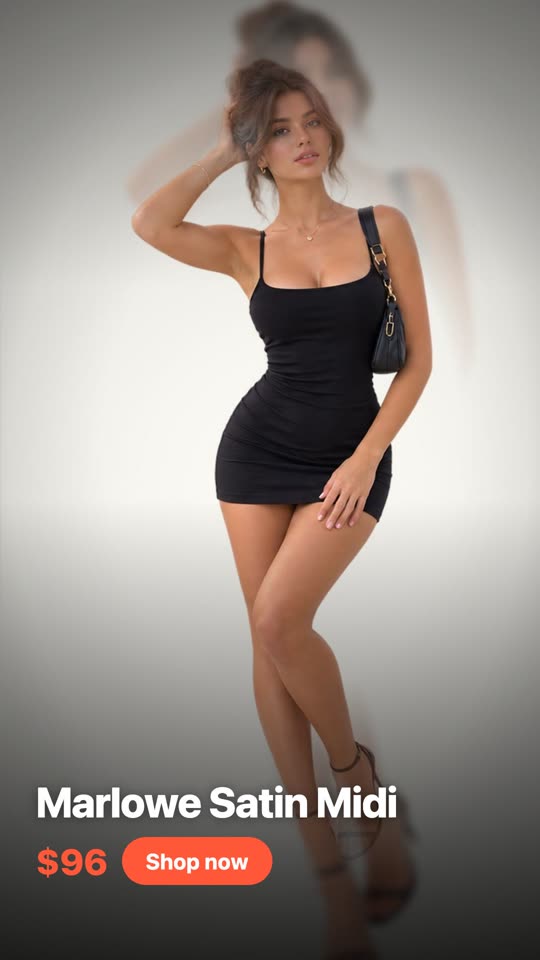
Parallax

Shutter
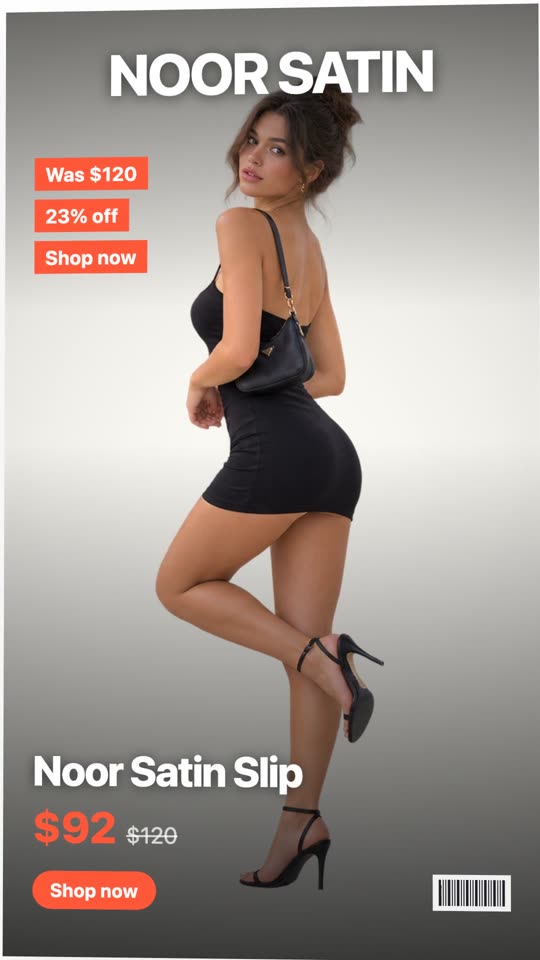
Magazine Cover
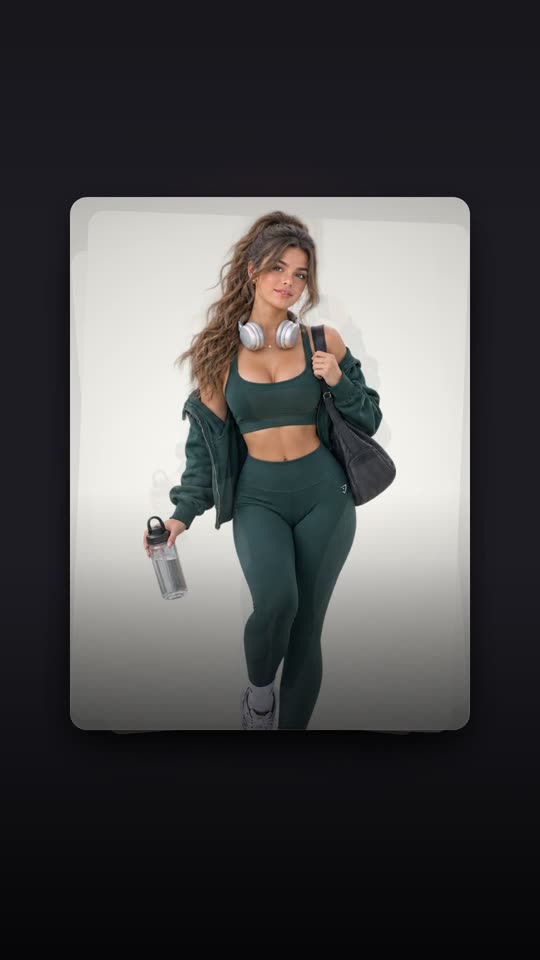
Card Deck

Countdown
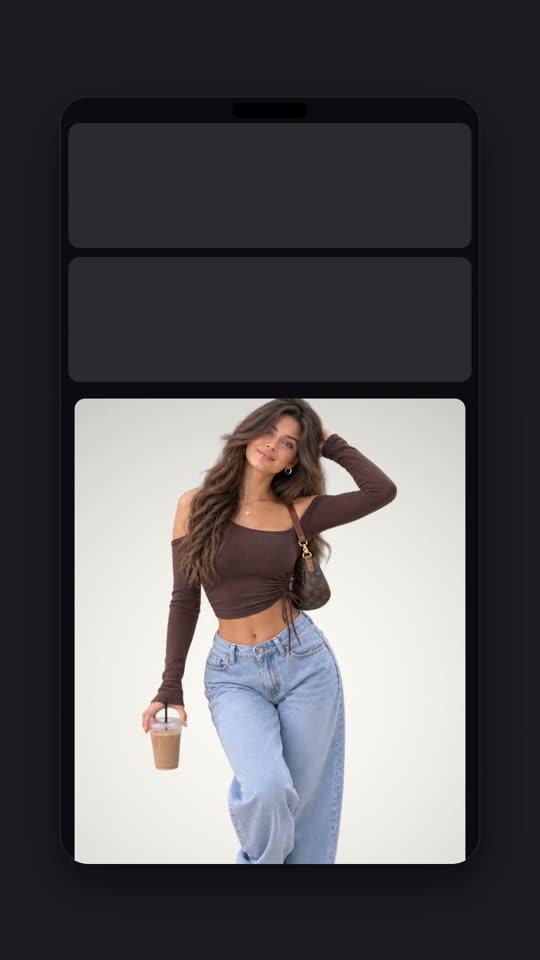
Phone Frame
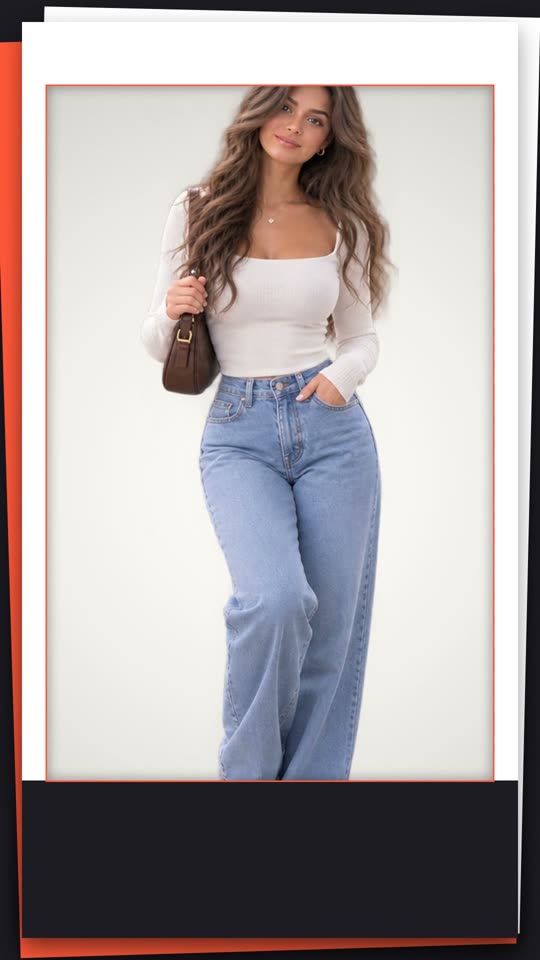
Paper Cut

Risograph
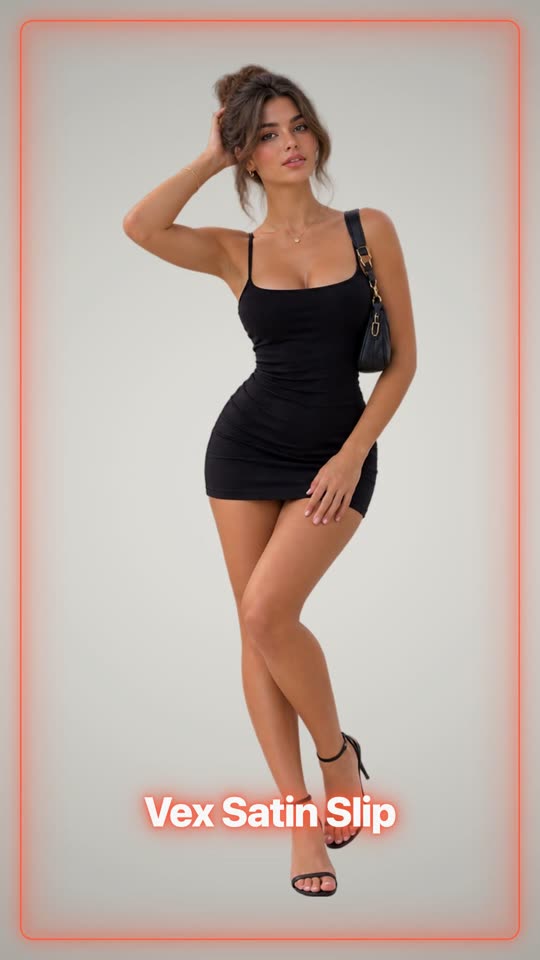
Neon

Split Flap
Ten layouts, built from the photos you have
A branded image instead of a bare product shot. Every network takes one, including the ones that will not take generated video, and one good photo is enough: layouts that show several frames re-crop the same shot rather than tiling it.
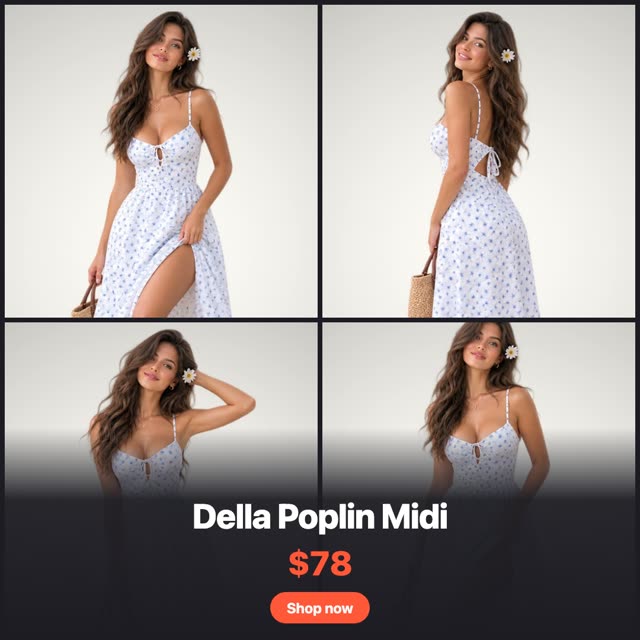
Grid Four
Hero + Three
Split Pair
Price Card
Column
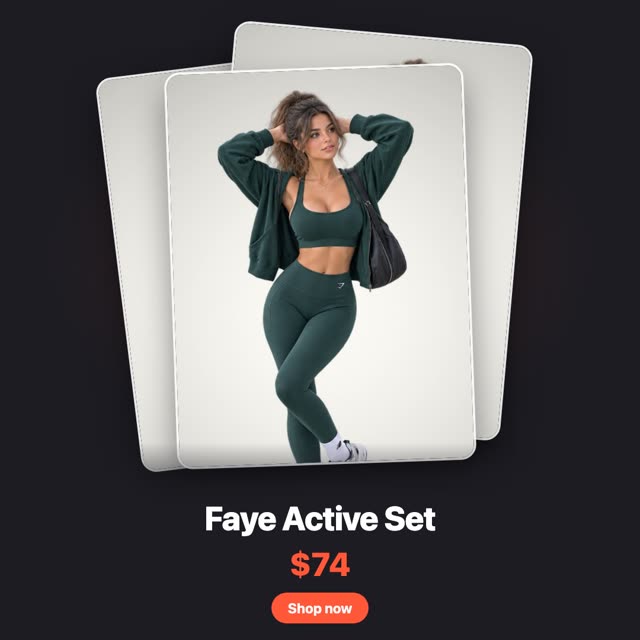
Stack
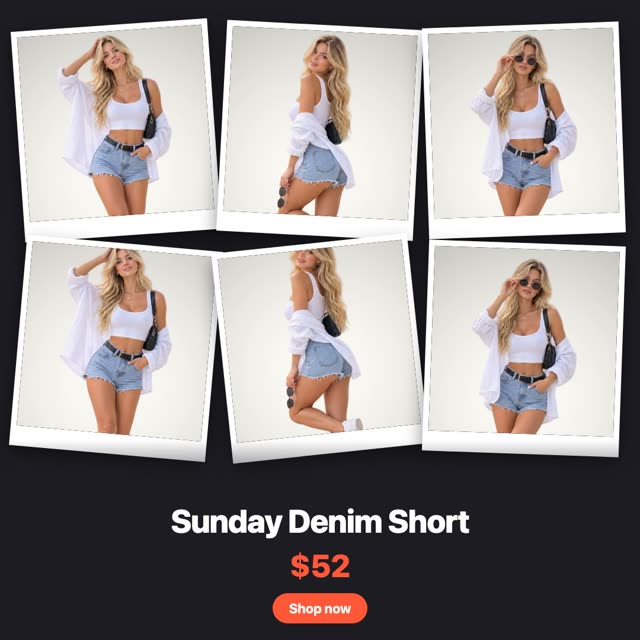
Polaroid Wall

Band
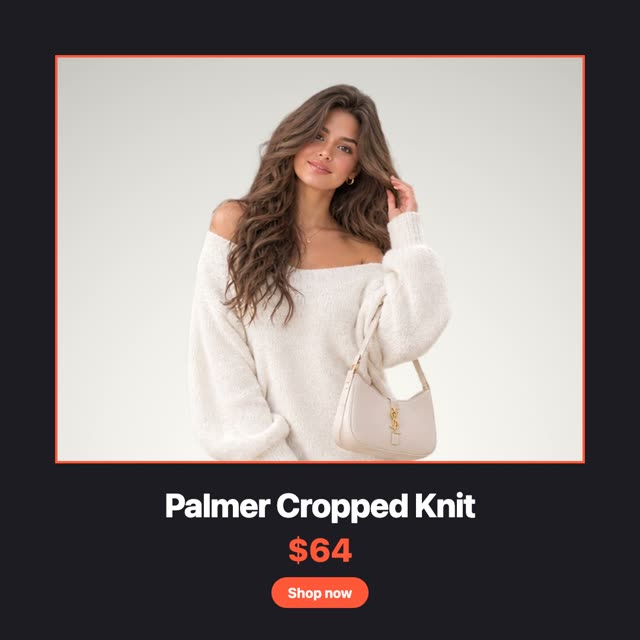
Frame
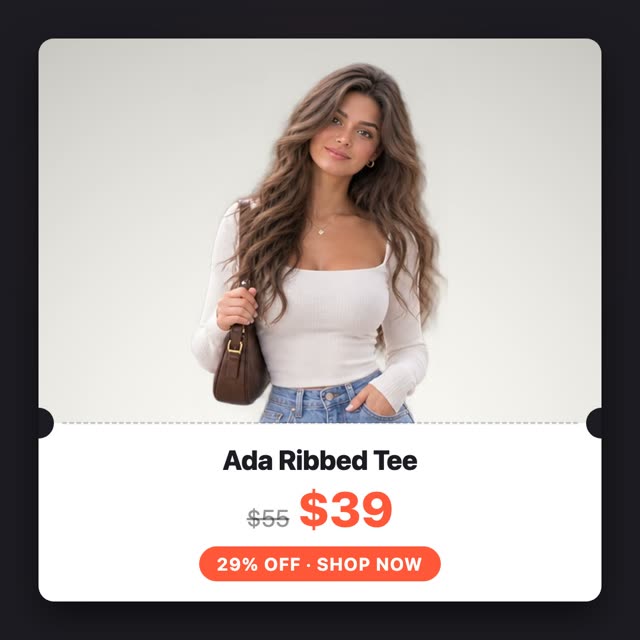
Ticket
The drop channel that fills itself
New products announce themselves
- Hold every launch for a review window before anything goes out
- Stagger channels so one product does not hit every network in the same second
- Products with a future availability date post the moment they go live
 Facebook
Posted
Facebook
Posted
 Instagram
Posted
Instagram
Posted
 Pinterest
Queued
Pinterest
Queued
Keep the channel moving
- Filter by collection, tag, product type, vendor or creation date
- Skip out-of-stock products, re-checked again at posting time
- Interval or weekly schedules, with sleep hours so nothing posts overnight
Captions written per product
- The prompt is editable and shown in full, never hidden from you
- Reusable templates whose prompts take shortcodes, filled from the product
- If a generation fails the post still goes out on its fallback text
This exact text goes to the AI. Edit it however you like.
Write once. Tuned per network.
Discord alongside every other channel in one editor. Write the announcement once, let the other networks sync from it, and change only the parts that should read differently in a community channel.

 + Add
+ Add
#newarrival #linendress


Yoomru also posts to
Facebook
Share products to your Facebook Pages: images, link cards and a first comment included.
Instagram
Post to Feed and Stories on business accounts, with auto-fitted images and story canvases.
 X (Twitter)
Product announcements with up to 4 images or a video, kept within the character limit.
TikTok
Publish product videos and photo posts straight to your TikTok account.
Pinterest
Turn products into pins with images, titles and destination links to your store.
X (Twitter)
Product announcements with up to 4 images or a video, kept within the character limit.
TikTok
Publish product videos and photo posts straight to your TikTok account.
Pinterest
Turn products into pins with images, titles and destination links to your store.
 YouTube
Upload auto-generated product videos, ready for Shorts.
YouTube
Upload auto-generated product videos, ready for Shorts.
 LinkedIn
Post to your profile or company pages with media and rich link cards.
LinkedIn
Post to your profile or company pages with media and rich link cards.
 Threads
Share products as text, images or link attachments.
Threads
Share products as text, images or link attachments.
 Google Business Profile
Publish posts with CTA buttons to your business locations.
Telegram
Post to channels, groups and chats with albums, silent posts and link buttons.
Google Business Profile
Publish posts with CTA buttons to your business locations.
Telegram
Post to channels, groups and chats with albums, silent posts and link buttons.
FAQ
Discord specifics, answered. Anything else, we are one email away.
Contact us at [email protected]
Put Discord on autopilot
Free plan included. Your next product will announce itself.