
 Instagram
Auto-post Shopify products to Instagram
Feed posts and Stories, published straight from your catalog. Photos are fitted to ratios Instagram accepts, stories get a designed canvas, and the caption is written for you.
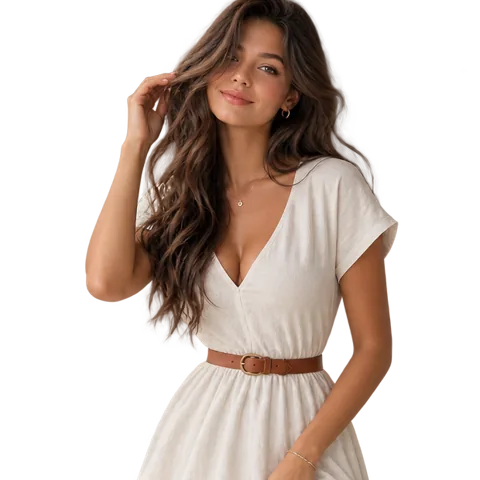
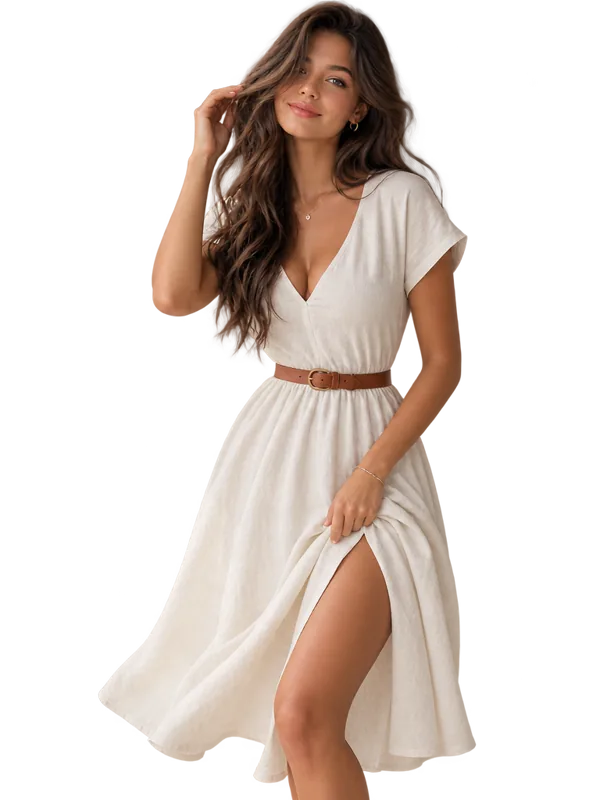
aurorastudio Back in stock, $89.00. #linendress #newarrival
One product. Feed and Story.
Connecting an Instagram account creates two channels, a feed channel and a Story channel. Target them separately in any post, planner or auto-share rule, or send to both at once.
aurorastudio Back in stock, $89.00. #linendress #newarrival
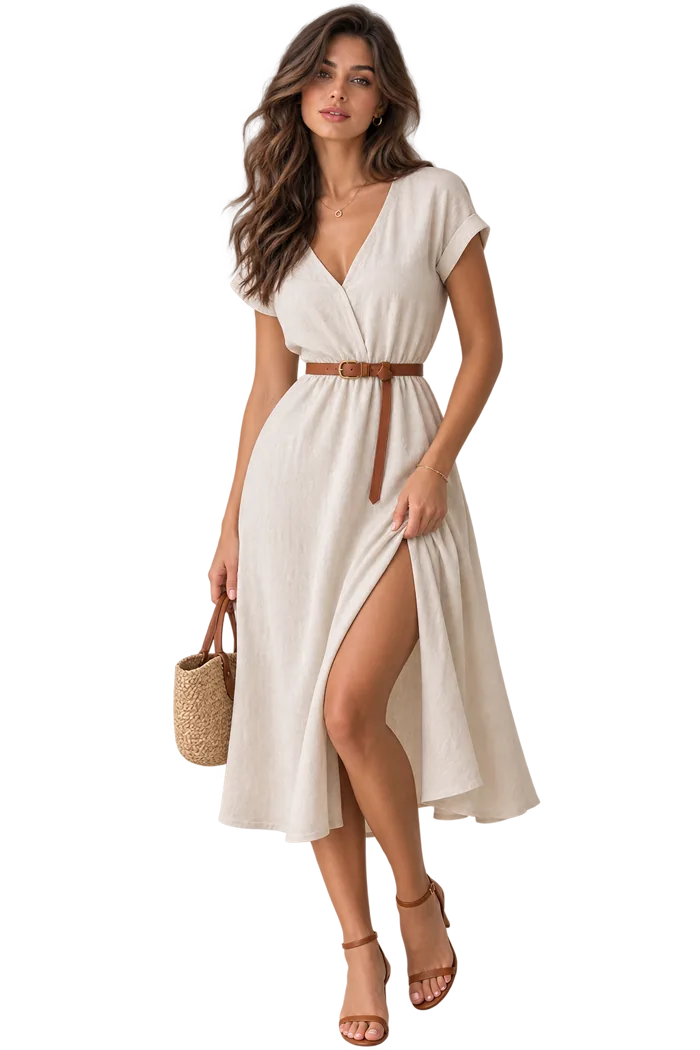
It will not crop your photos behind your back
Instagram only accepts feed images between 4:5 and 1.91:1. Anything outside that window has to be dealt with, so Yoomru asks you once which way you want it and then never surprises you.
Instagram
Feed
Instagram accepts 4:5 to 1.91:1. Choose what happens to anything outside that.
Fit with background
The whole image is padded onto a background colour you pick. Nothing is lost. This is the default.
Zoom and crop
The image is centre-cropped to fill the nearest ratio Instagram allows.
Your words, painted on
- Canvas background colour, so the product sits on your brand rather than black bars
- Text colour, text background and opacity, font size and distance from the top
- Long captions wrap to six lines and are trimmed after that, never spilling off the canvas
Instagram
Story
Two ways in, and one of them needs no Facebook Page
Log in with Instagram
For a professional Instagram account with no Facebook Page at all. You log in on instagram.com and that is it. The token lasts about 60 days and Yoomru refreshes it before it expires.
Log in with Facebook business
For a Business or Creator account already linked to a Facebook Page. Posts go through the Graph API on a long-lived page token.
50+ templates, rendered from your catalog
Vertical 9:16 video for Reels, TikTok and Shorts, built from the product's own photos and your brand kit. Every clip below came out of the renderer. Hover one to watch it run.
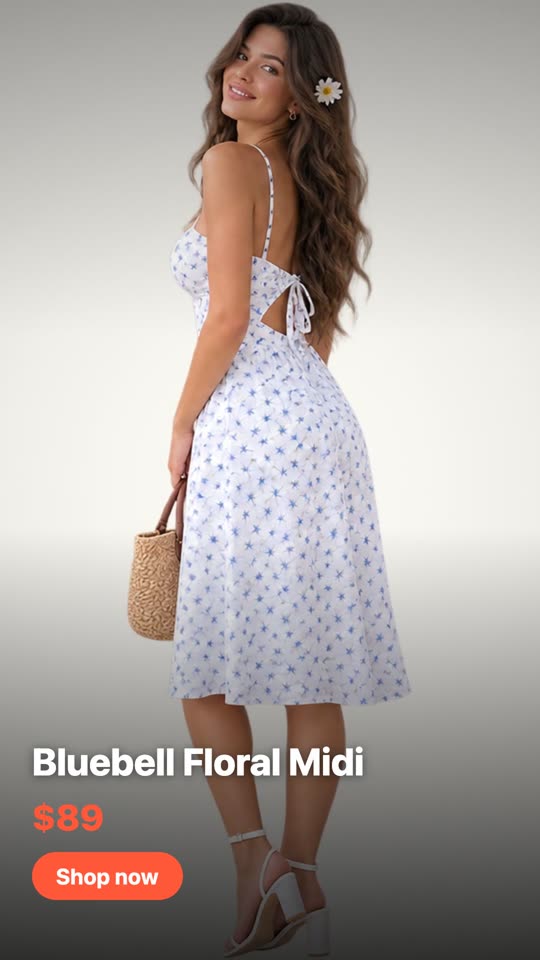
Product Showcase
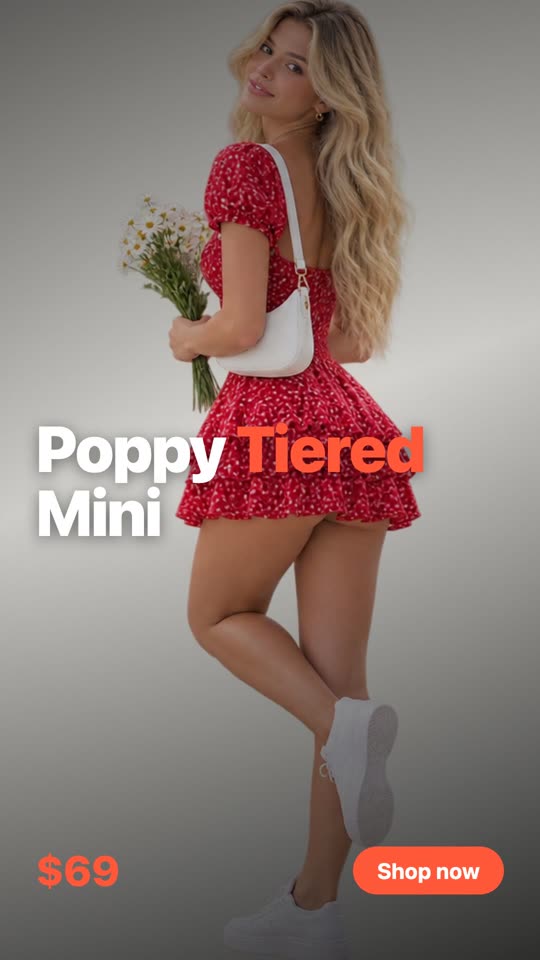
Bold Type
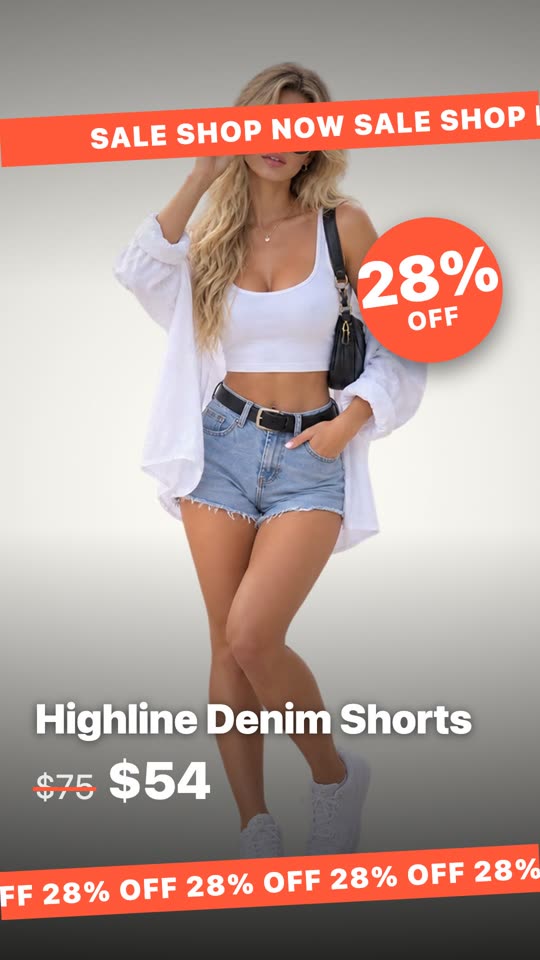
Flash Sale

Lookbook
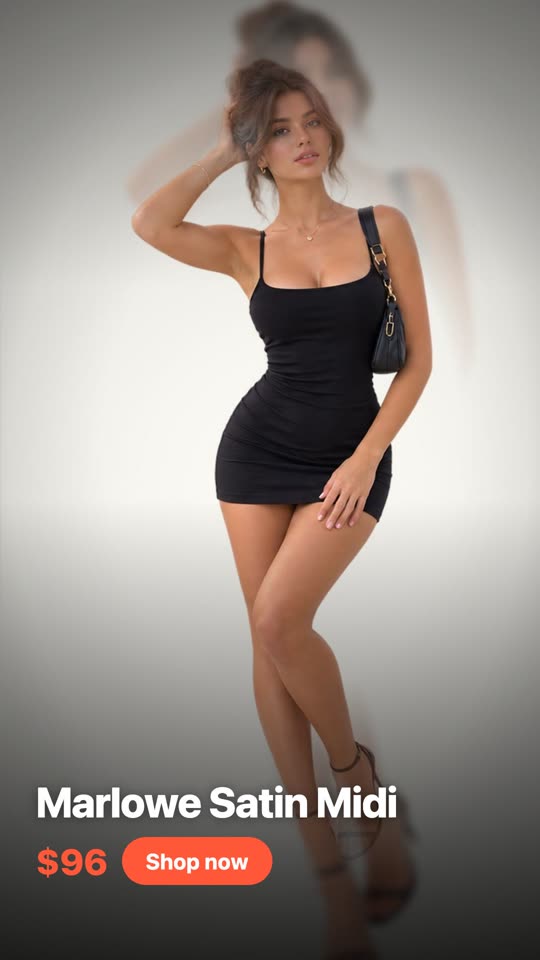
Parallax
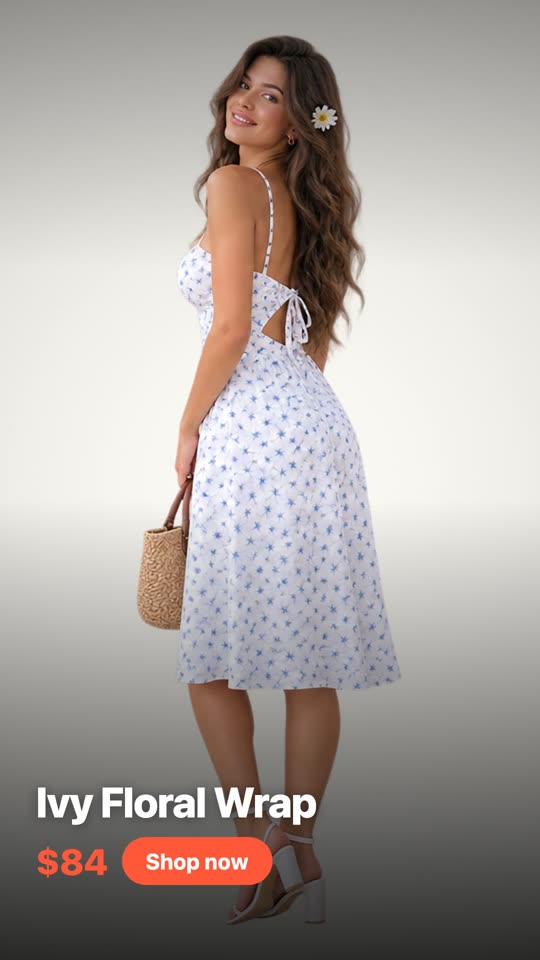
Shutter
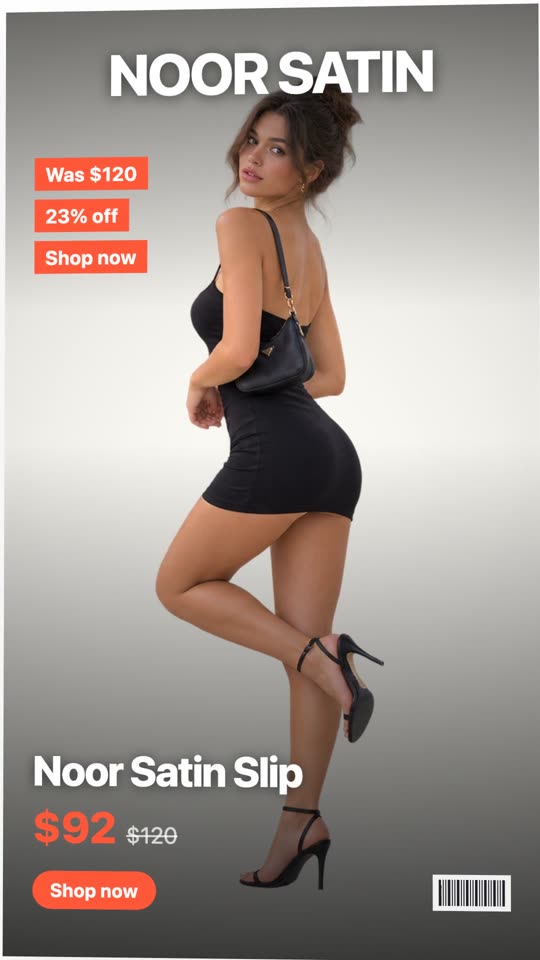
Magazine Cover
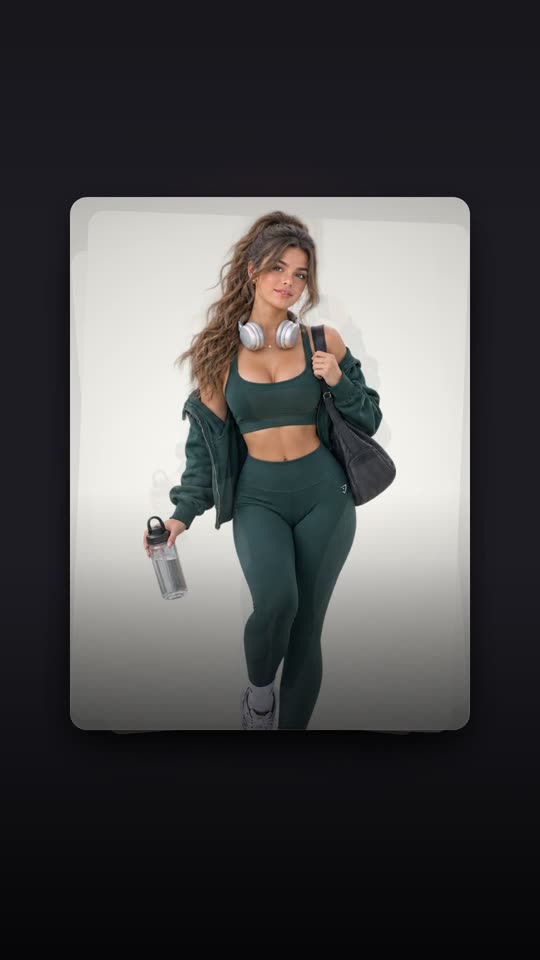
Card Deck
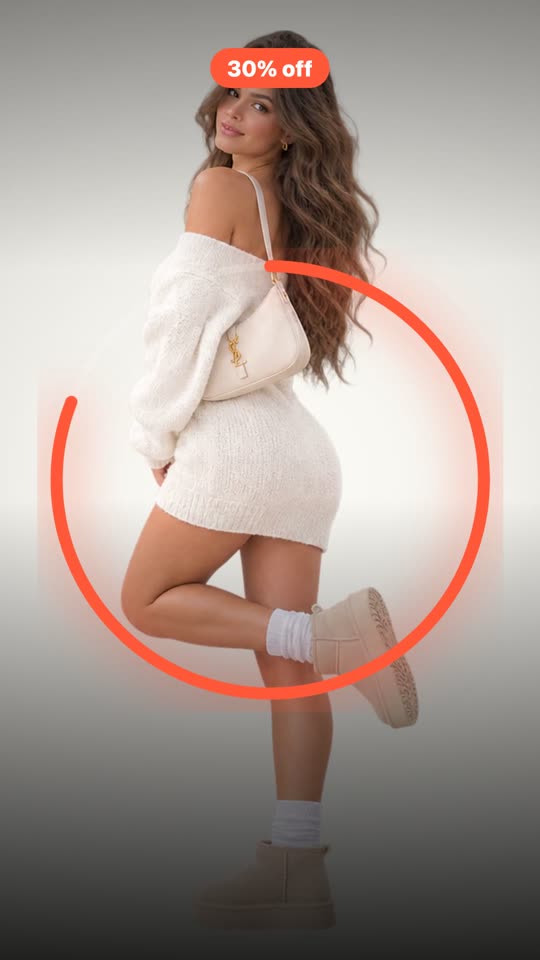
Countdown
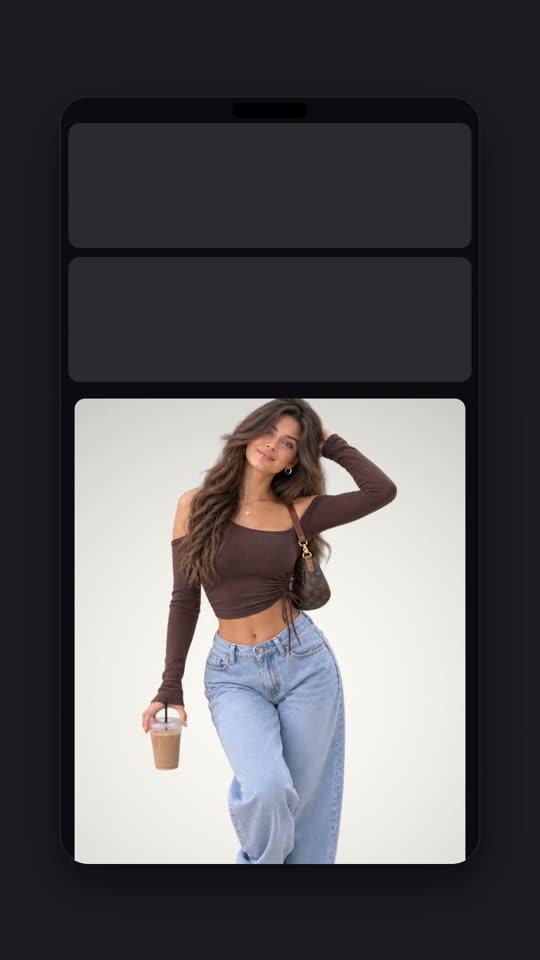
Phone Frame
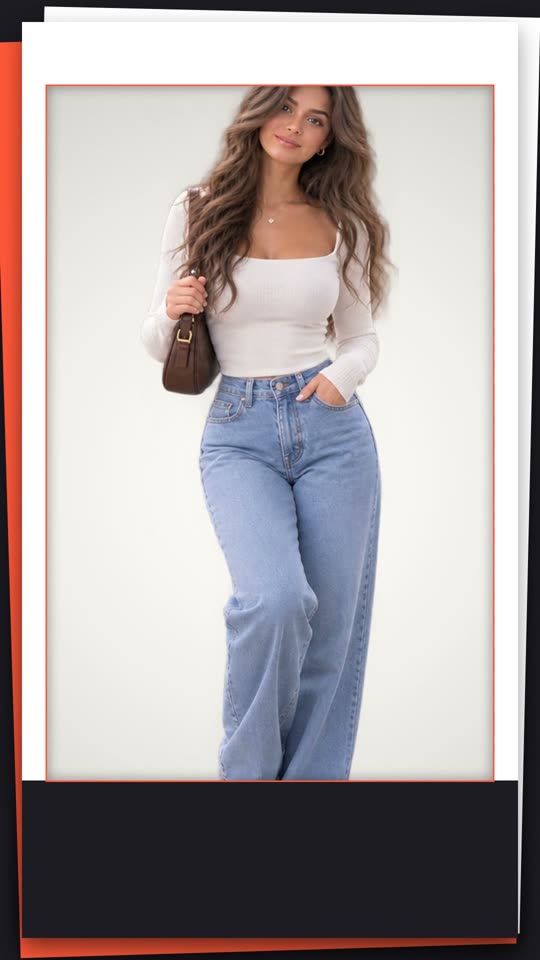
Paper Cut
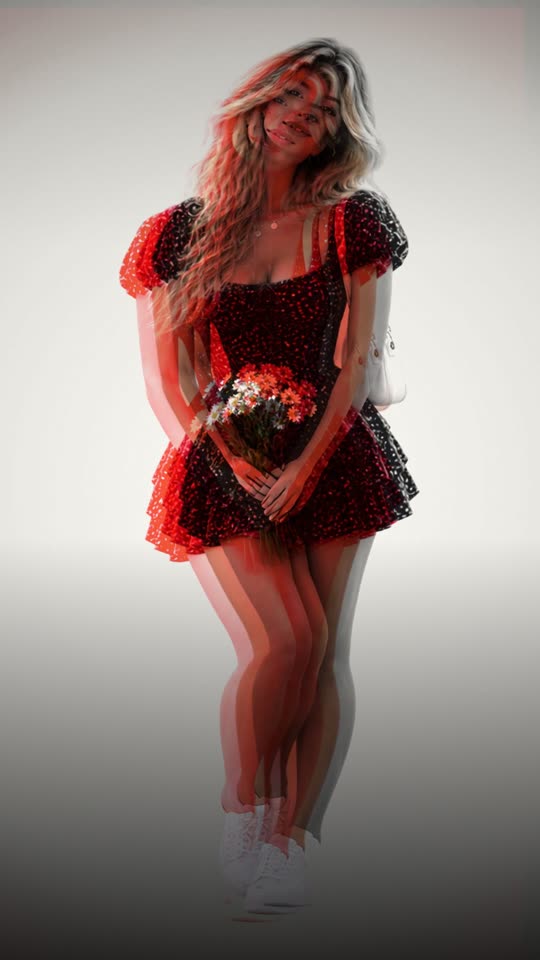
Risograph
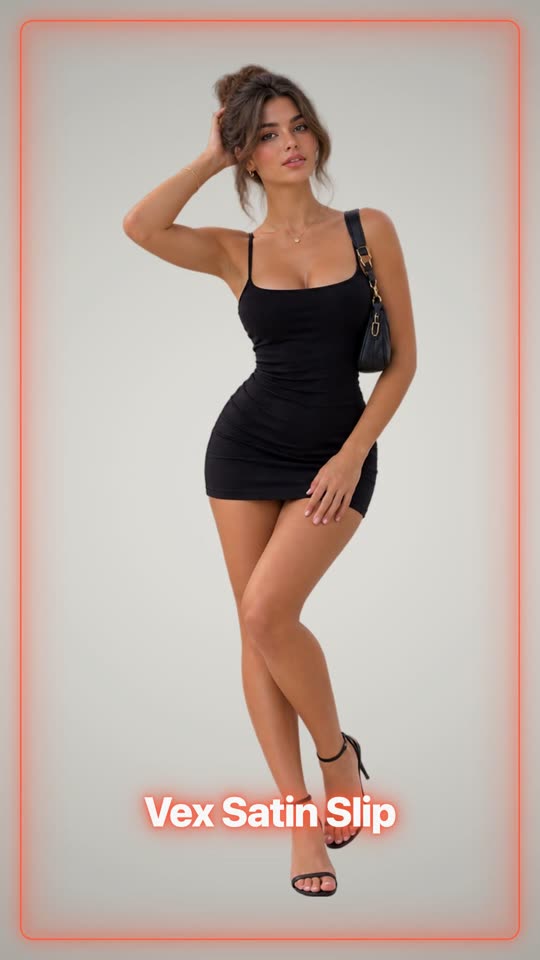
Neon
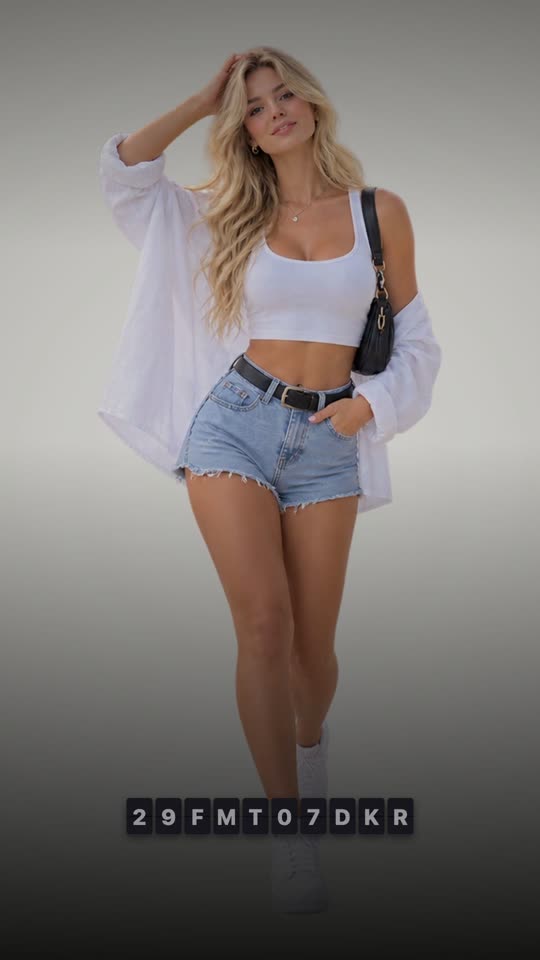
Split Flap
Your product, on a person
The creator-style clip that actually performs, without a model, a studio or a shoot. Pick a scene, and your product is put on it: worn, held, or set down where it belongs. Every clip below is the scene itself, waiting for a product.

Mirror selfie

Street walk

Café table

Turn in daylight

Doorway pose

Evening stairs

Counter routine

Hand swatch

Vanity close-up

Morning pour

Counter styling

Fridge grab

Hand detail

Getting ready

Neckline close-up

Desk setup

Unbox on the bed

On the move

Shelf styling

Sofa corner

Window light

Treat reaction

Play on the rug

Walk-out

Record player corner

Gallery wall

Above the bed

Hanging it up
Ten layouts, built from the photos you have
A branded image instead of a bare product shot. Every network takes one, including the ones that will not take generated video, and one good photo is enough: layouts that show several frames re-crop the same shot rather than tiling it.
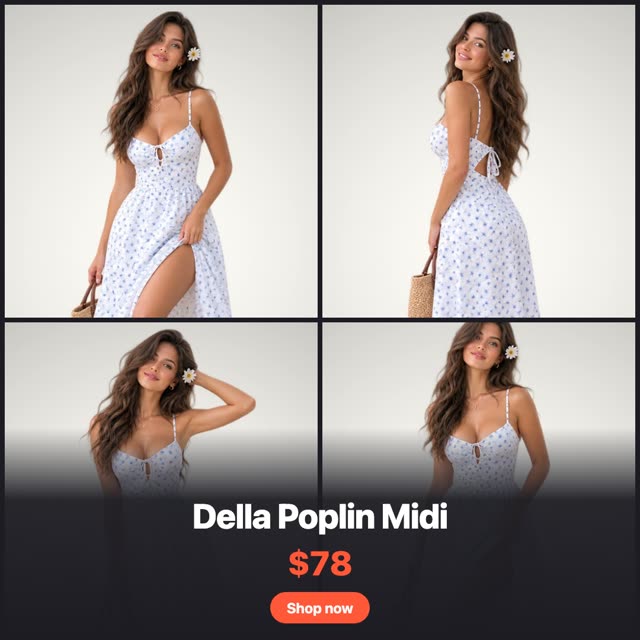
Grid Four
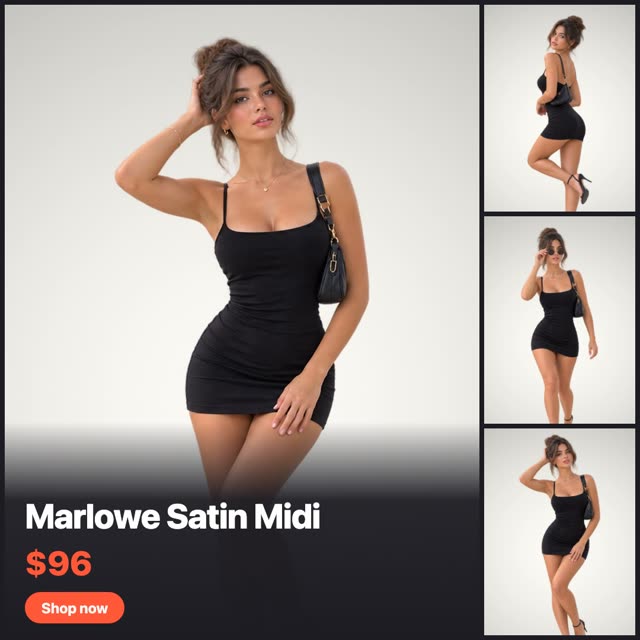
Hero + Three
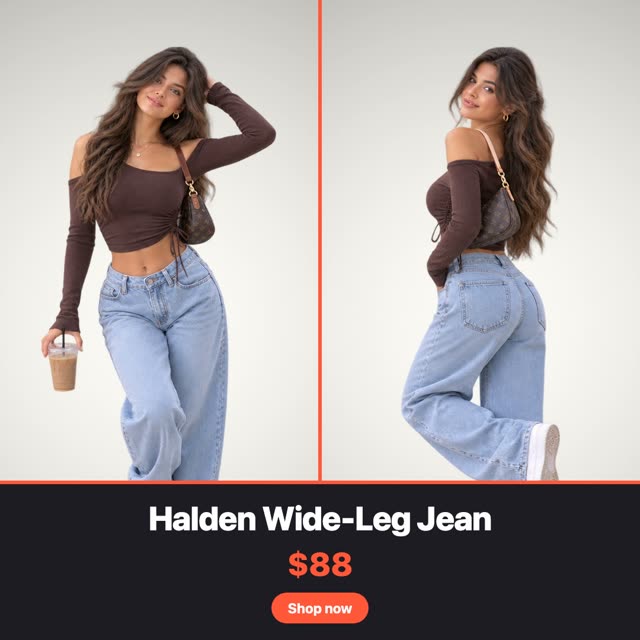
Split Pair
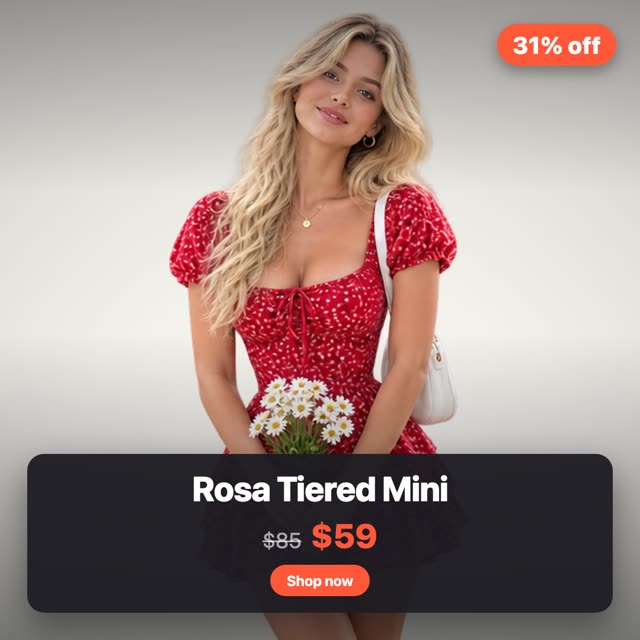
Price Card
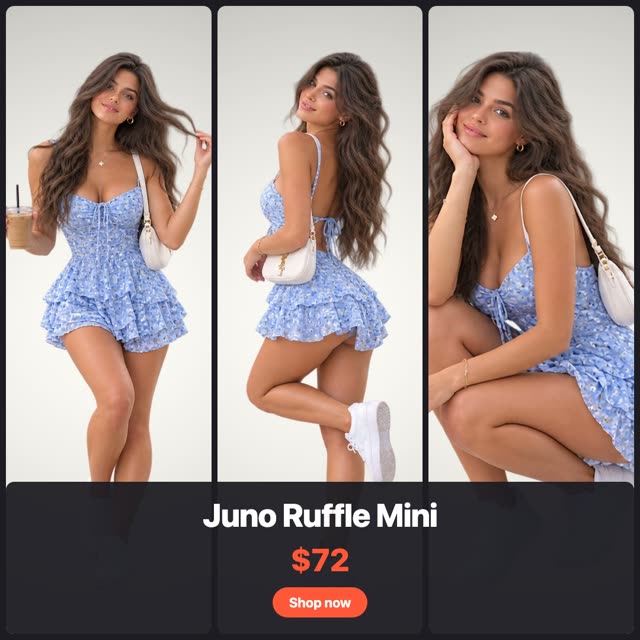
Column
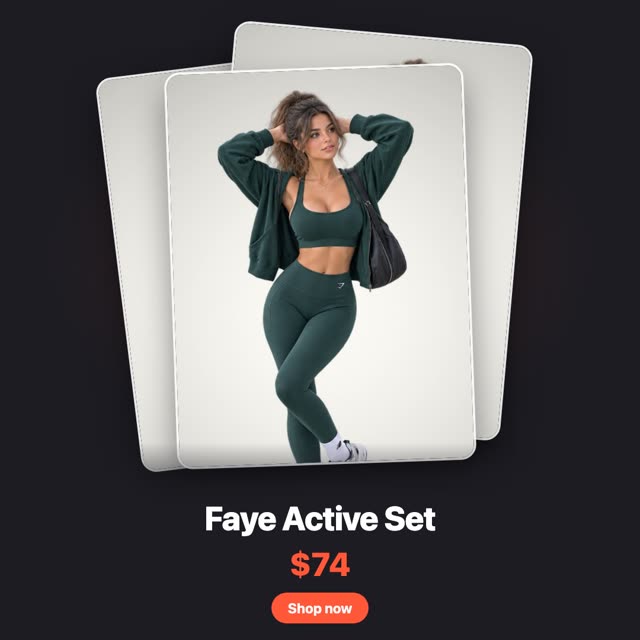
Stack
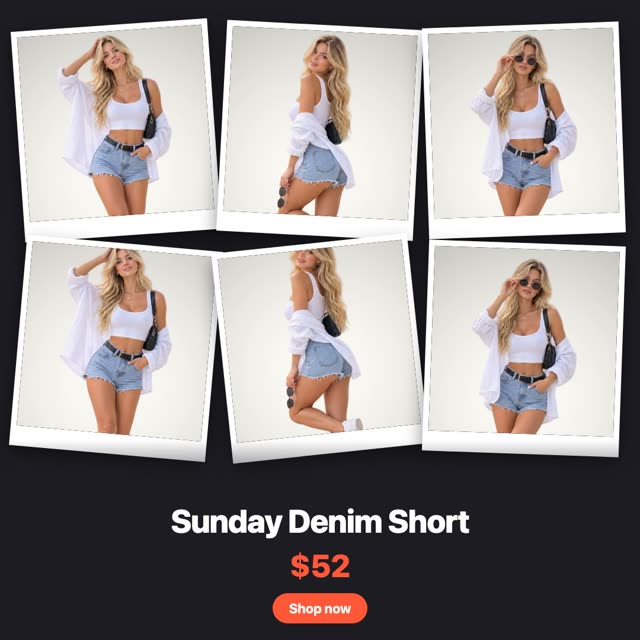
Polaroid Wall
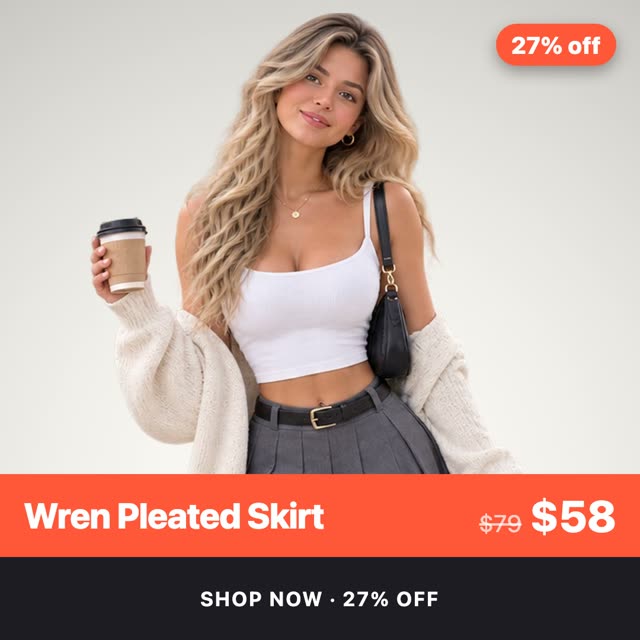
Band
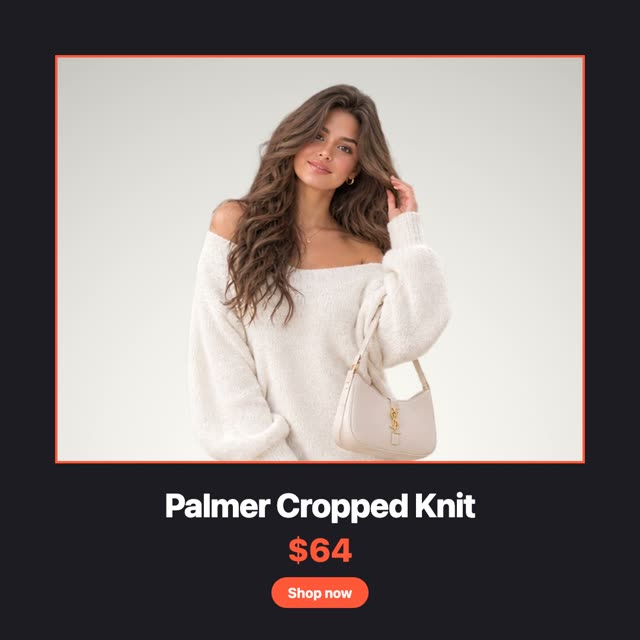
Frame
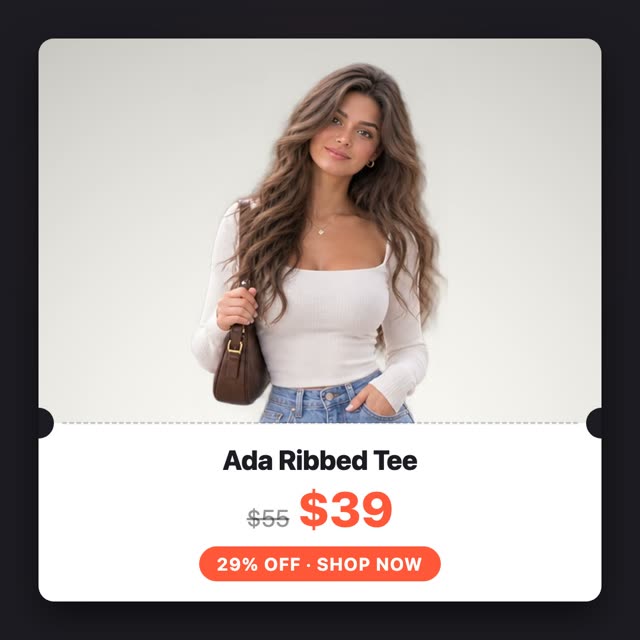
Ticket
Posting to Instagram without opening Instagram
New products post themselves
- Hold every launch for a review window before anything reaches your feed
- Stagger the feed and the Story so they do not land in the same second
- Products with a future availability date post the moment they go live
 Facebook
Posted
Instagram
Posted
Facebook
Posted
Instagram
Posted
 Pinterest
Queued
Pinterest
Queued
Keep the catalog in rotation
- Filter by collection, tag, product type, vendor or creation date
- Skip out-of-stock products, re-checked again at posting time
- Interval or weekly schedules, with sleep hours so nothing posts overnight
Captions written per product
- The prompt is editable and shown in full, never hidden from you
- Push the hashtag block into an automatic first comment and keep the caption clean
- If a generation fails the post still goes out on its fallback text
This exact text goes to the AI. Edit it however you like.
Instagram needs an image. You find out here.
Every channel gets its own tab and its own fields, and turns green the moment it has everything that network asks for. Instagram will not let you schedule without media, so the composer says so while you write instead of failing afterwards.

 + Add
+ Add
#newarrival #linendress
Yoomru also posts to
Facebook
Share products to your Facebook Pages: images, link cards and a first comment included.
 X (Twitter)
Product announcements with up to 4 images or a video, kept within the character limit.
TikTok
Publish product videos and photo posts straight to your TikTok account.
Pinterest
Turn products into pins with images, titles and destination links to your store.
X (Twitter)
Product announcements with up to 4 images or a video, kept within the character limit.
TikTok
Publish product videos and photo posts straight to your TikTok account.
Pinterest
Turn products into pins with images, titles and destination links to your store.
 YouTube
Upload auto-generated product videos, ready for Shorts.
YouTube
Upload auto-generated product videos, ready for Shorts.
 LinkedIn
Post to your profile or company pages with media and rich link cards.
LinkedIn
Post to your profile or company pages with media and rich link cards.
 Threads
Share products as text, images or link attachments.
Threads
Share products as text, images or link attachments.
 Google Business Profile
Publish posts with CTA buttons to your business locations.
Telegram
Post to channels, groups and chats with albums, silent posts and link buttons.
Google Business Profile
Publish posts with CTA buttons to your business locations.
Telegram
Post to channels, groups and chats with albums, silent posts and link buttons.
 Discord
Send product updates to your server channels via a bot.
Discord
Send product updates to your server channels via a bot.
FAQ
Instagram specifics, answered. Anything else, we are one email away.
Contact us at [email protected]
Put Instagram on autopilot
Free plan included. Your next product will announce itself.