
 Facebook
 Instagram
 X (Twitter)
 TikTok
 Pinterest
 YouTube
 LinkedIn
 Threads
 Google Business Profile
 Telegram
 Discord
Posting to Threads
Yoomru posts your products to Threads with images, video or a link, through the official Threads API.
What you can post
- Text posts from your template, up to the Threads limit of 500 characters.
- Image posts with one or more product photos.
- Video posts, including generated product videos.
- A link attachment that Threads renders as a preview card.
Like Facebook, a Threads post carries either uploaded media or a link attachment, not both. The settings keep the choice exclusive.
Connecting
- Open Channels, press Add channel, then Connect on the Threads row.
- Log in with your Instagram/Threads credentials and approve access.
Your Threads profile connects as one channel.
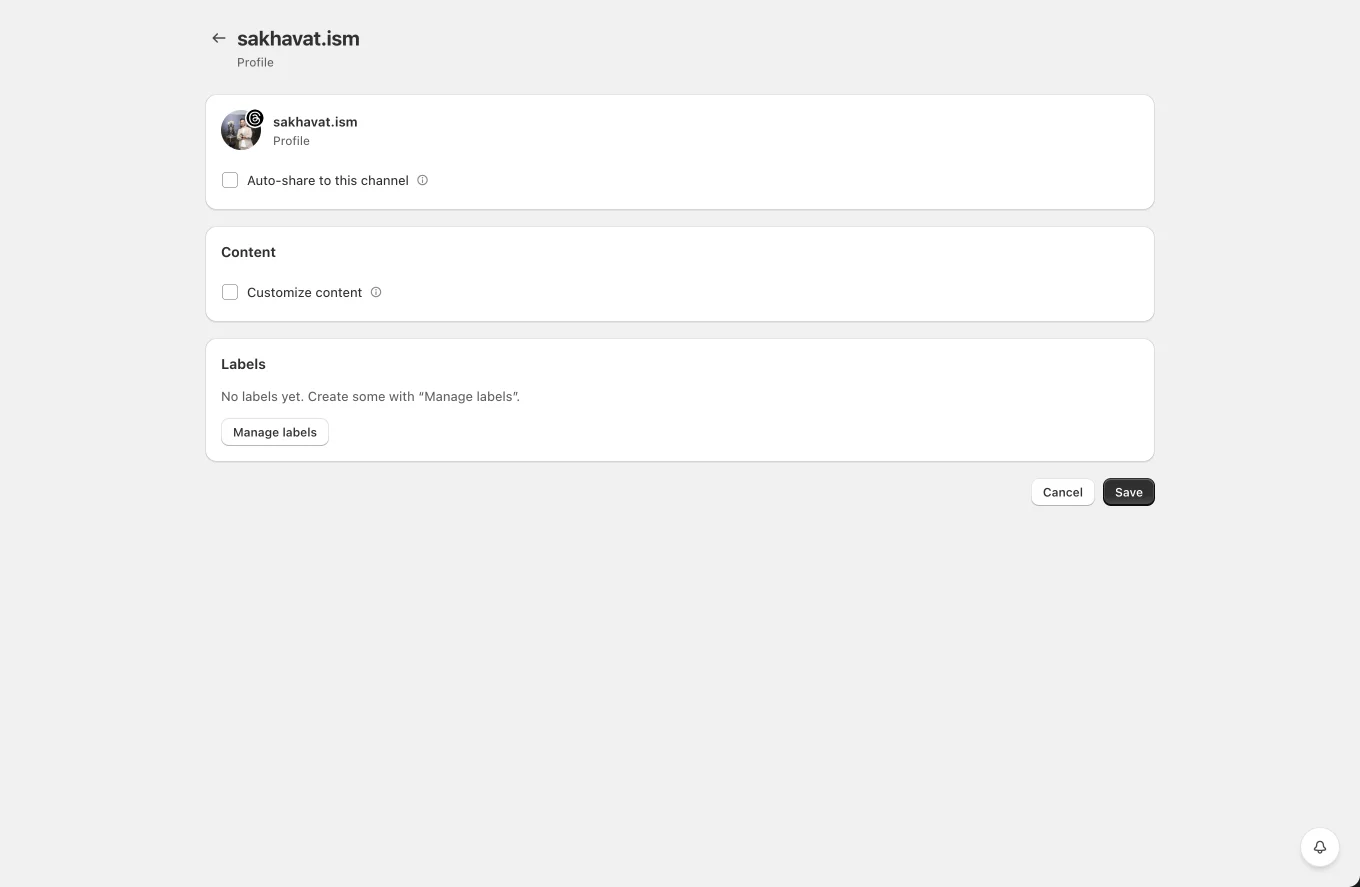
Channel settings
- Auto-share to this channel with product filters.
- Customize content: per-channel template and the media-or-link choice.
- Labels for planner targeting.
Tips and limits
- Threads processes media asynchronously; Yoomru waits for the container to be ready before publishing, so posts can take a few extra seconds.
- If the resolved text goes over 500 characters the post fails with a clear error; shorten the template or rely on shortcodes that resolve short.
- The Threads API is rate-limited per profile per day; planners with spacing keep you well below the cap.