
 Facebook
 Instagram
 X (Twitter)
 TikTok
 Pinterest
 YouTube
 LinkedIn
 Threads
 Google Business Profile
 Telegram
 Discord
Posting to X (Twitter)
Yoomru posts your products to X (Twitter) with up to four images or a video per post, through the official X API.
What you can post
- Text posts from your template. The 280-character limit applies; every link counts as 23 characters regardless of length.
- Up to 4 product images in a single post.
- One video per post, uploaded in chunks through the X media API. Generated product videos work too.
- The product link, appended to the text when Attach product link is on.
X does not allow photos and a video in the same post. The composer warns you before scheduling, and the publisher blocks the mix so the post fails cleanly instead of posting wrong.
Connecting
- Open Channels, press Add channel, then Connect on the Twitter row.
- Authorize Yoomru with the X account you want to post from.
The account connects as a single channel. Connect as many accounts as your plan allows.
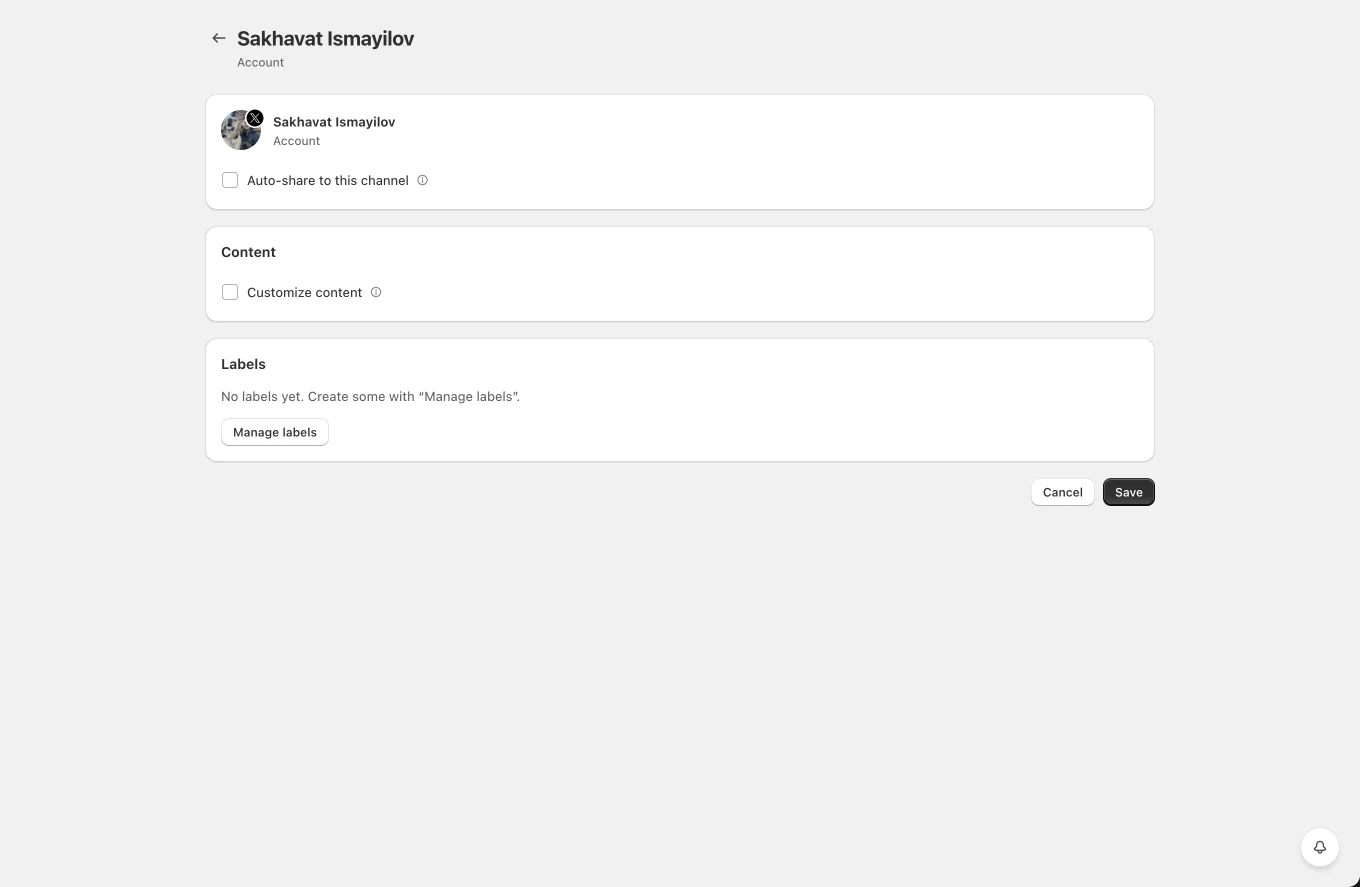
Channel settings
- Auto-share to this channel with the usual product filters.
- Customize content: per-channel template override, attach product link, and image upload toggles.
- Labels for planner targeting.
Tips and limits
- Keep templates short. If the resolved text goes over 280 characters, the post fails with a clear error in the post log.
- The X API applies daily posting caps depending on your X account tier. Failed posts show the API response in the post details.
- Videos are processed asynchronously by X; Yoomru polls until processing finishes before publishing.