
 Facebook
 Instagram
 X (Twitter)
 TikTok
 Pinterest
 YouTube
 LinkedIn
 Threads
 Google Business Profile
 Telegram
 Discord
Posting to TikTok
Yoomru publishes product videos and photo posts to TikTok through the official Content Posting API, picking the best quality rendition automatically.
What you can post
- Videos: generated product videos or videos from your product media. Yoomru always picks the highest-resolution MP4 rendition available so posts do not go out in 480p.
- Photo posts: product images published as a TikTok photo carousel, resized to TikTok's 1080p limit automatically.
- A caption built from your template, with hashtags and shortcodes.
A single TikTok post is either a video or photos, never both. The composer validates this before you schedule.
TikTok has no link field, and captions do not render clickable links, so there is no link option for this network.
Connecting
- Open Channels, press Add channel, then Connect on the TikTok row.
- Log in with TikTok and approve the permissions.
The account connects as one channel.
Channel settings
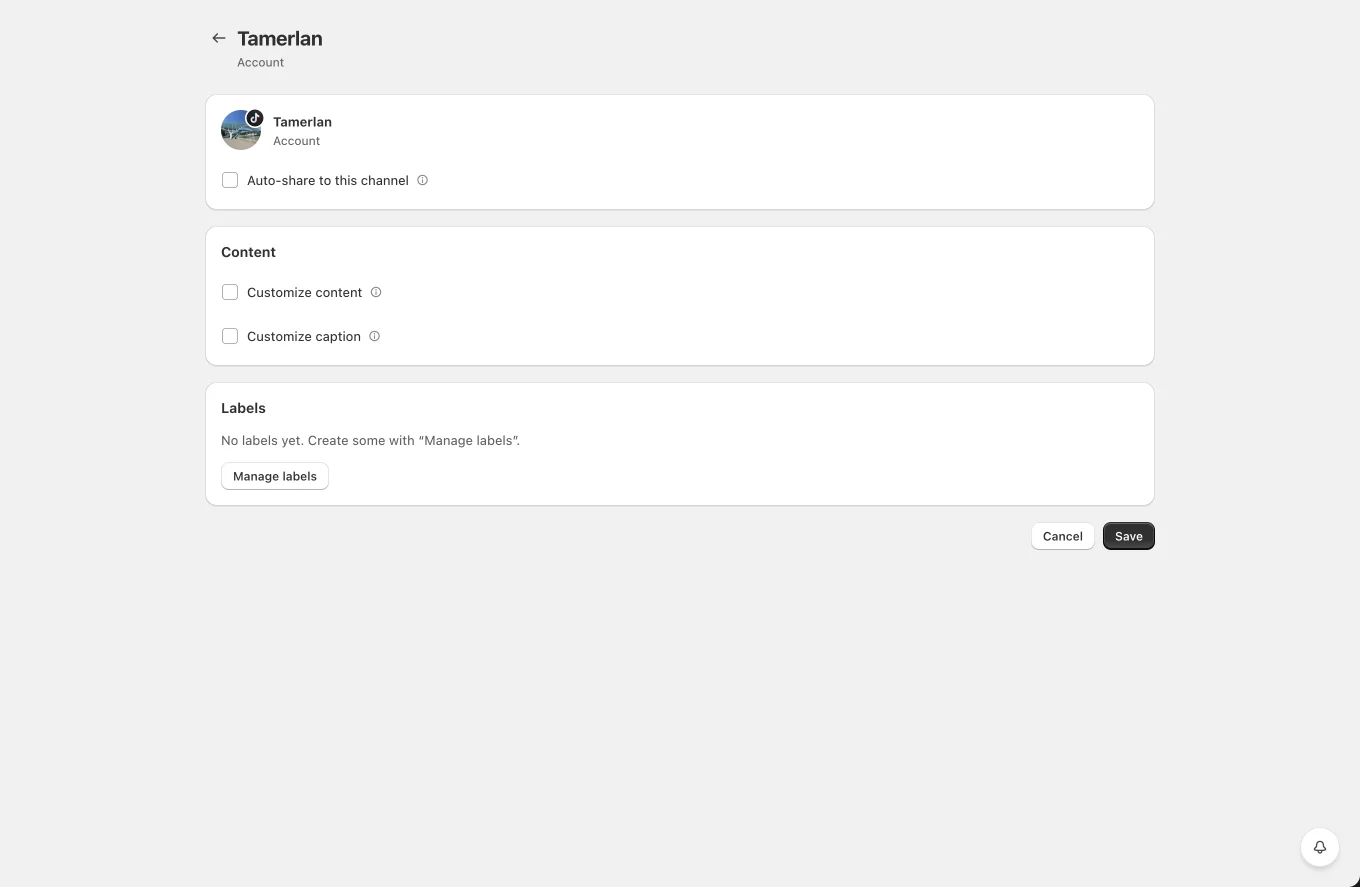
- Auto-share to this channel with product filters.
- Caption template override per channel.
- Privacy: who can see the posts (public, friends, or only you). Useful for testing with "only you" first.
- Disable comments / Duet / Stitch toggles, applied per post.
- Labels for planner targeting.
Tips and limits
- New TikTok apps post in "only you" privacy mode until TikTok grants public posting. If your posts are invisible to others, check the privacy setting first.
- TikTok processes uploads asynchronously. Yoomru polls the publish status and the post stays in Publishing until TikTok confirms.
- Photo posts do not always return a public post ID from the API. When that happens the post links to your TikTok profile instead of the exact post.