
 Facebook
 Instagram
 X (Twitter)
 TikTok
 Pinterest
 YouTube
 LinkedIn
 Threads
 Google Business Profile
 Telegram
 Discord
Posting to Google Business Profile
Yoomru publishes product updates to your Google Business Profile locations, with a photo and an optional call-to-action button.
What you can post
- Updates (What's New posts) with your template text and a product photo.
- An optional call-to-action button on the post (for example Buy or Learn more) that opens the product page. These posts show up right on your Google listing in Search and Maps.
Connecting
- Open Channels, press Add channel, then Connect on the Google Business row.
- Log in with the Google account that manages your Business Profile.
- Pick the locations you want. Each location becomes its own channel, so multi-location businesses can post per store.
Channel settings
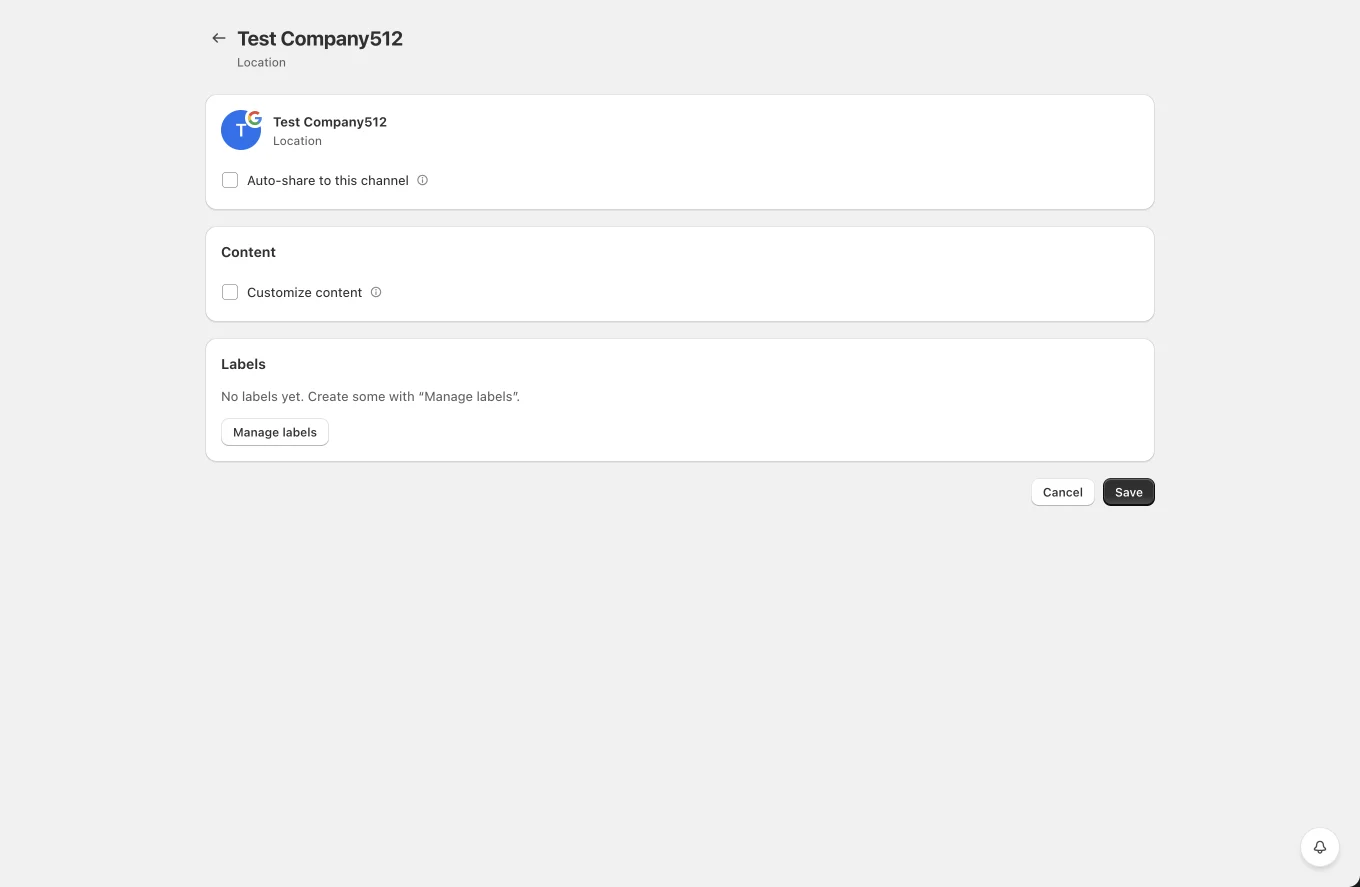
- Auto-share to this channel with product filters, per location.
- Add a button: enables the CTA and lets you pick the button type.
- Customize content for a per-location template.
- Labels for planner targeting.
Tips and limits
- Google Business posts expire from the profile after some time (typically six months for standard updates), so a planner that re-shares your catalog keeps the profile populated.
- Google compresses photos aggressively; images around 1200 x 900 hold up well.
- Posting requires a verified location. Unverified locations do not appear in the connect list.