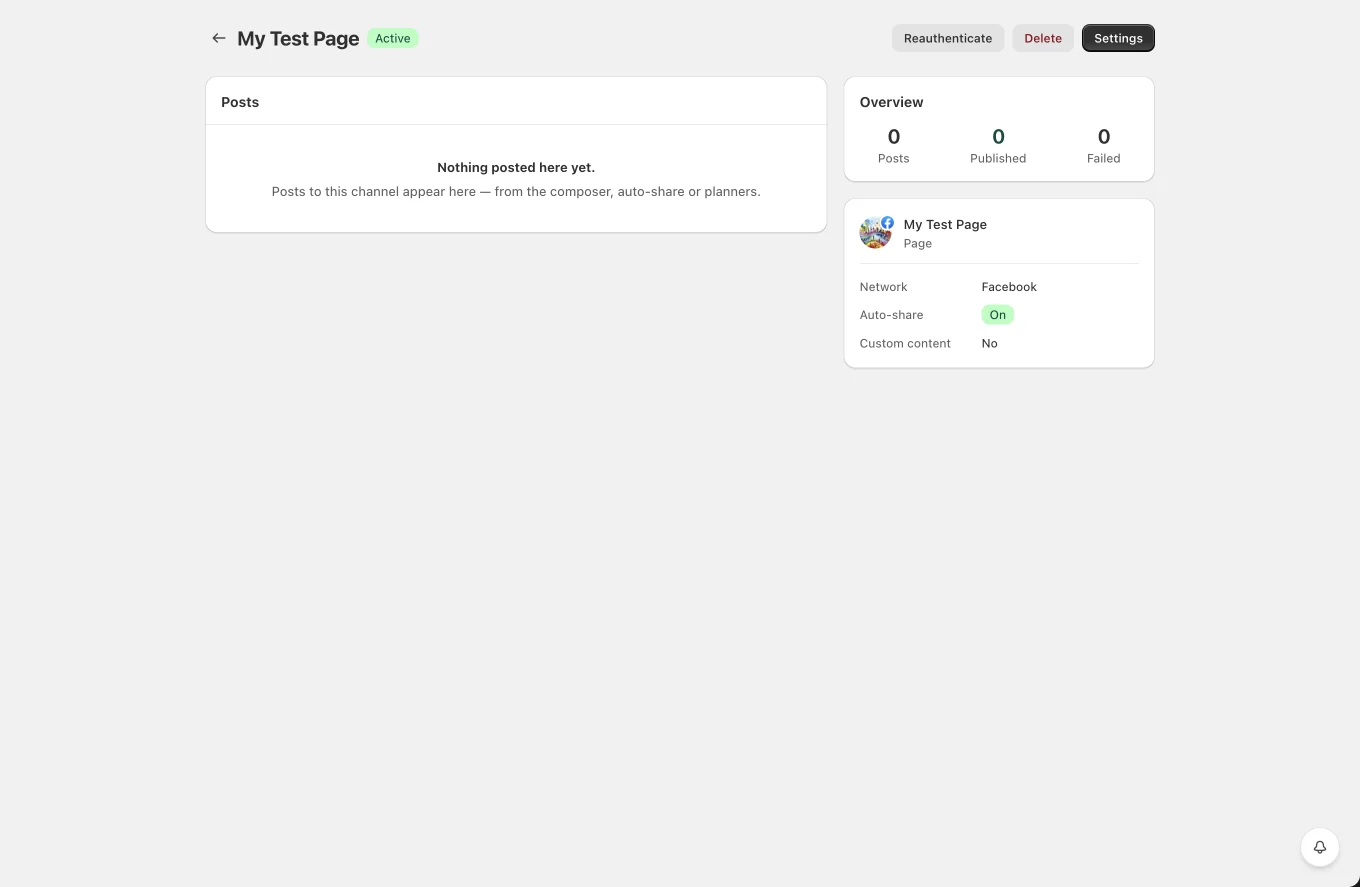
Facebook
 Instagram
 X (Twitter)
 TikTok
 Pinterest
 YouTube
 LinkedIn
 Threads
 Google Business Profile
 Telegram
 Discord
The Channels page
Channels lists every connected account:
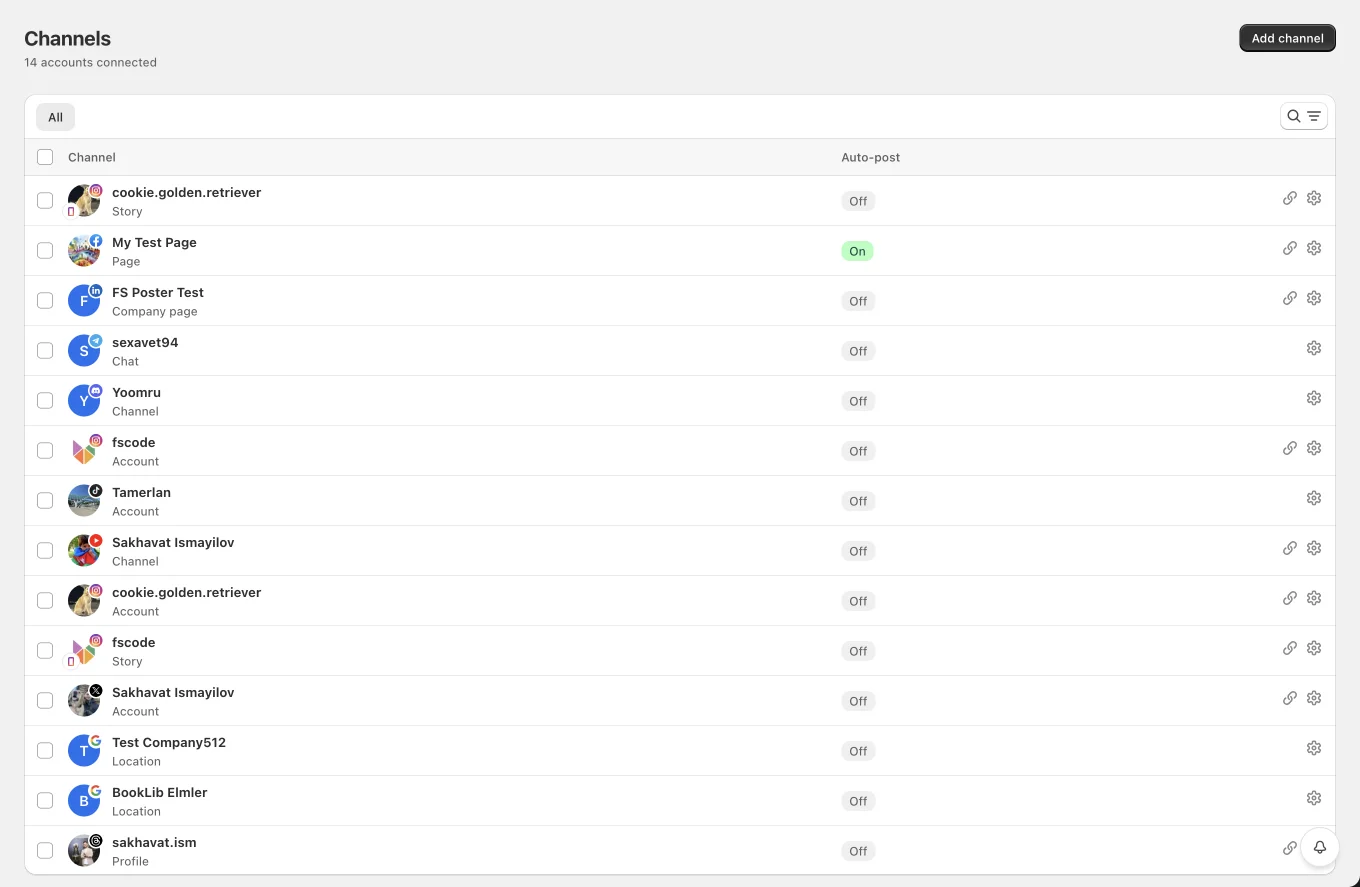
- Channel column: round avatar with the network icon badge (and a story badge on Story channels), the channel name, its labels as colored pills (first 2, then "+N"), a "Reconnect needed" badge when disabled, and the channel type (Account, Story, Page, Board, Location, Company page, Channel, Profile, Webhook…).
- Auto-post column: an On/Off badge showing whether auto-share is enabled for the channel.
- On the right: an external-link icon (visible for Facebook, Instagram, Threads, X, YouTube and LinkedIn company pages) that opens the profile on the network, and a Reconnect button when needed.
Tools:
- Search by channel name or network.
- Filters: Network, Auto-post (On/Off), Label.
- Bulk disconnect: select rows → Disconnect. Disconnecting removes the channel and stops its scheduled posts; you can reconnect any time.
- Click a row to open the channel's settings.