
 Facebook
 Instagram
 X (Twitter)
 TikTok
 Pinterest
 YouTube
 LinkedIn
 Threads
 Google Business Profile
 Telegram
 Discord
Posting to LinkedIn
Yoomru posts your products to LinkedIn personal profiles and company pages, as image posts, video posts or link cards with a proper preview.
What you can post
- Image posts with your product photos. WebP and AVIF images are converted automatically because LinkedIn does not accept them.
- Video posts, uploaded through LinkedIn's chunked video API, including generated product videos.
- Article (link) posts: the product link rendered as a card. LinkedIn does not fetch previews for API posts, so Yoomru scrapes the product page itself and sends the title and thumbnail with the post. Your card shows a real image instead of a bare link.
- Text from your LinkedIn template with shortcodes.
A LinkedIn share is either an article link or uploaded media; the API cannot take both at once. The channel settings and composer keep the two options exclusive.
Connecting
- Open Channels, press Add channel, then Connect on the LinkedIn row.
- Log in with LinkedIn and approve the permissions.
- Your personal profile and every company page you administer are offered as channels. Pick the ones you want.
Channel settings
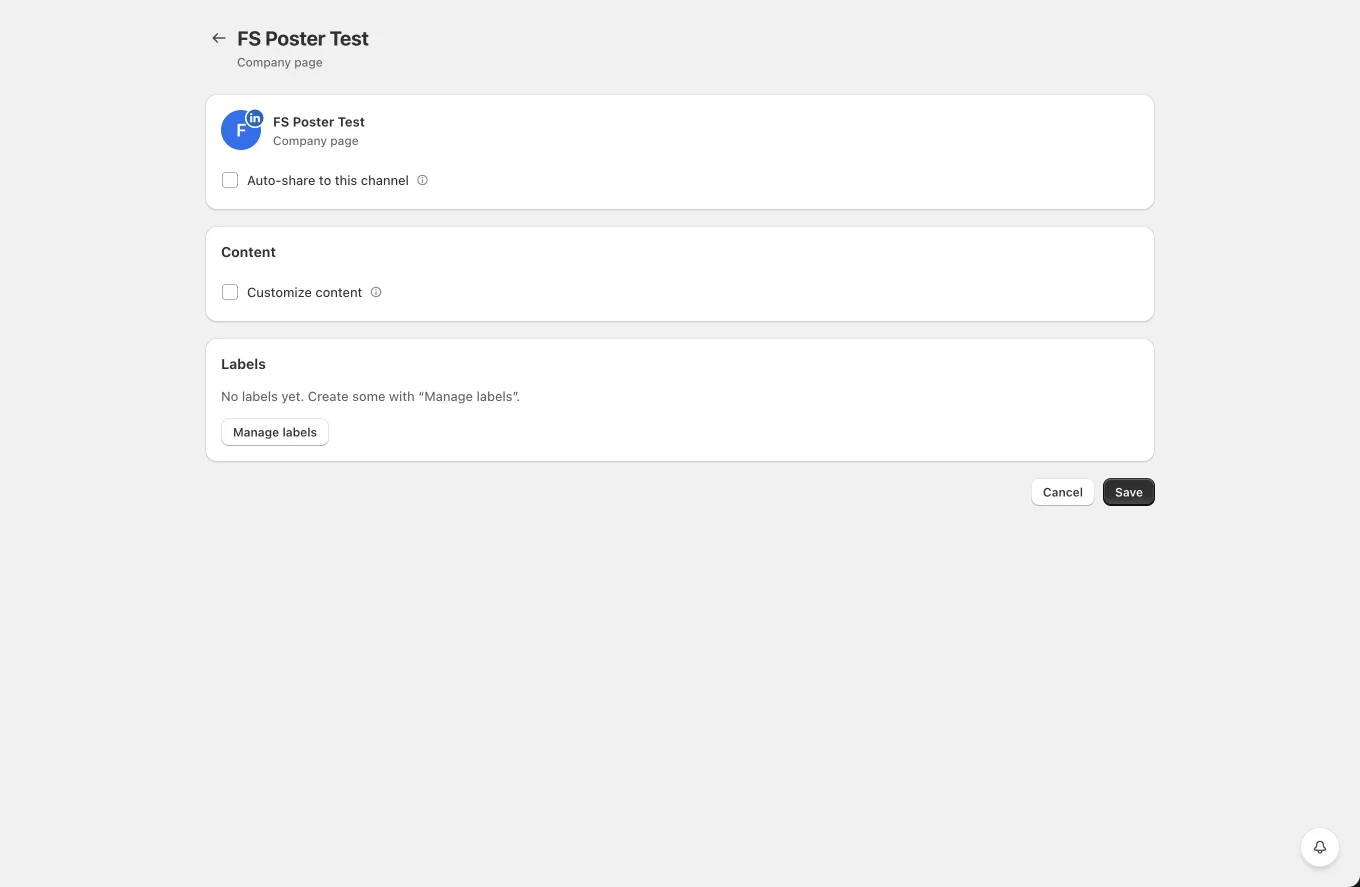
- Auto-share to this channel with product filters.
- Customize content: template override and the link-or-media choice per channel.
- Labels for planner targeting.
Tips and limits
- Company page posting requires an admin role on the page. If a page is missing from the connect list, check your role on LinkedIn and reconnect.
- Link cards need the product page to be publicly reachable; password-protected stores fall back to a plain link.
- Videos go through LinkedIn processing after upload. Yoomru waits for the video to become available before finalizing the post.