
 Facebook
 Instagram
 X (Twitter)
 TikTok
 Pinterest
 YouTube
 LinkedIn
 Threads
 Google Business Profile
 Telegram
 Discord
Posting to Instagram
Yoomru posts your products to Instagram feeds and Stories through the official API, with automatic image fitting and per-account Story channels.
Two ways to connect
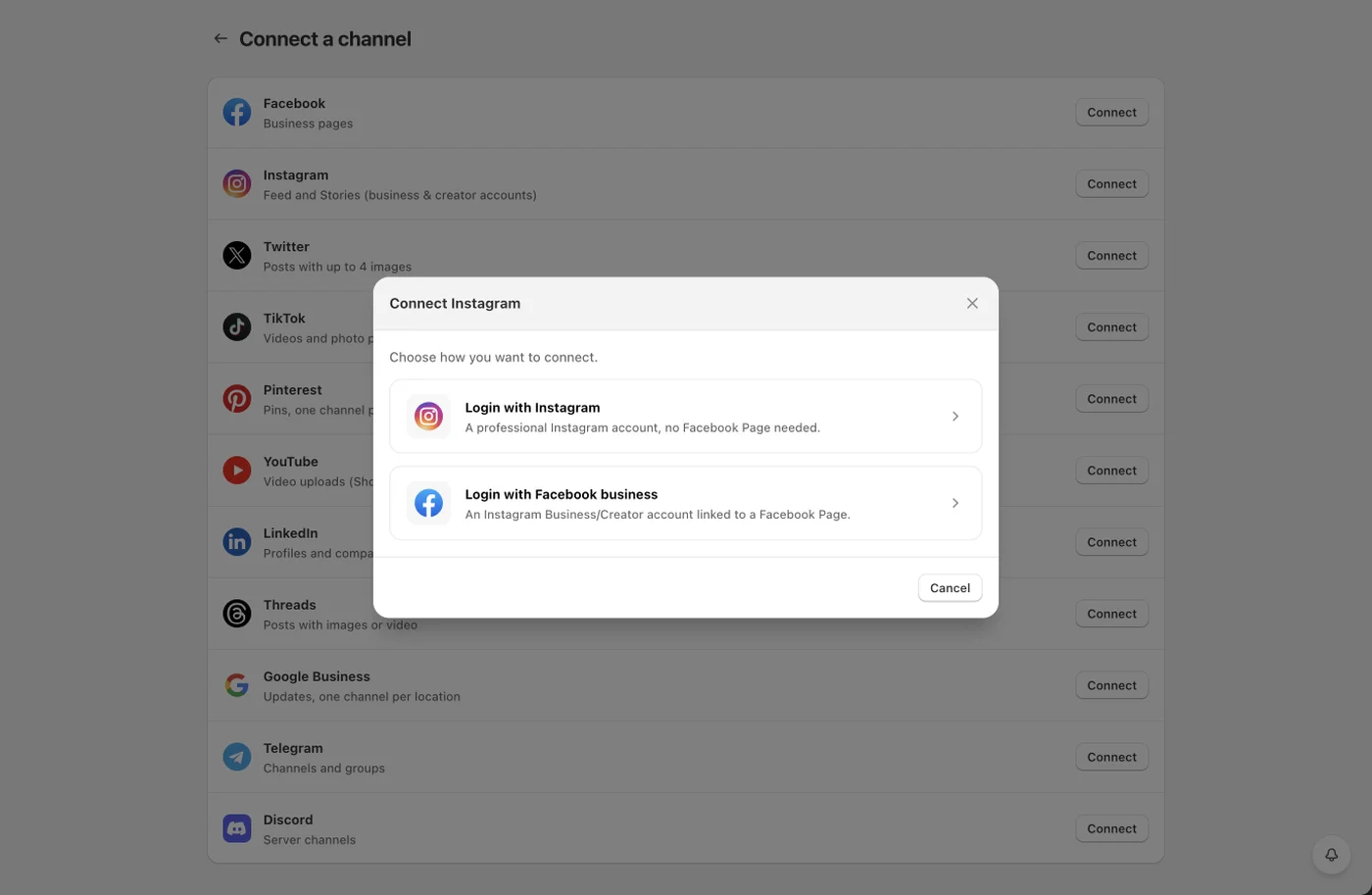
- Open Channels, press Add channel, then Connect on the Instagram row.
- Pick a login method:
- Login with Instagram: any professional (Business or Creator) Instagram account. No Facebook Page needed.
- Login with Facebook business: an Instagram Business or Creator account that is linked to a Facebook Page.
- Select the accounts to add.
Each selected account creates two channels: one for the feed and one for Stories. They are scheduled and configured separately, so you can auto-share to the feed while keeping Stories manual, or run both.
Personal (non-professional) Instagram accounts cannot be connected. Converting to a free professional account takes a minute in the Instagram app.
Feed posts
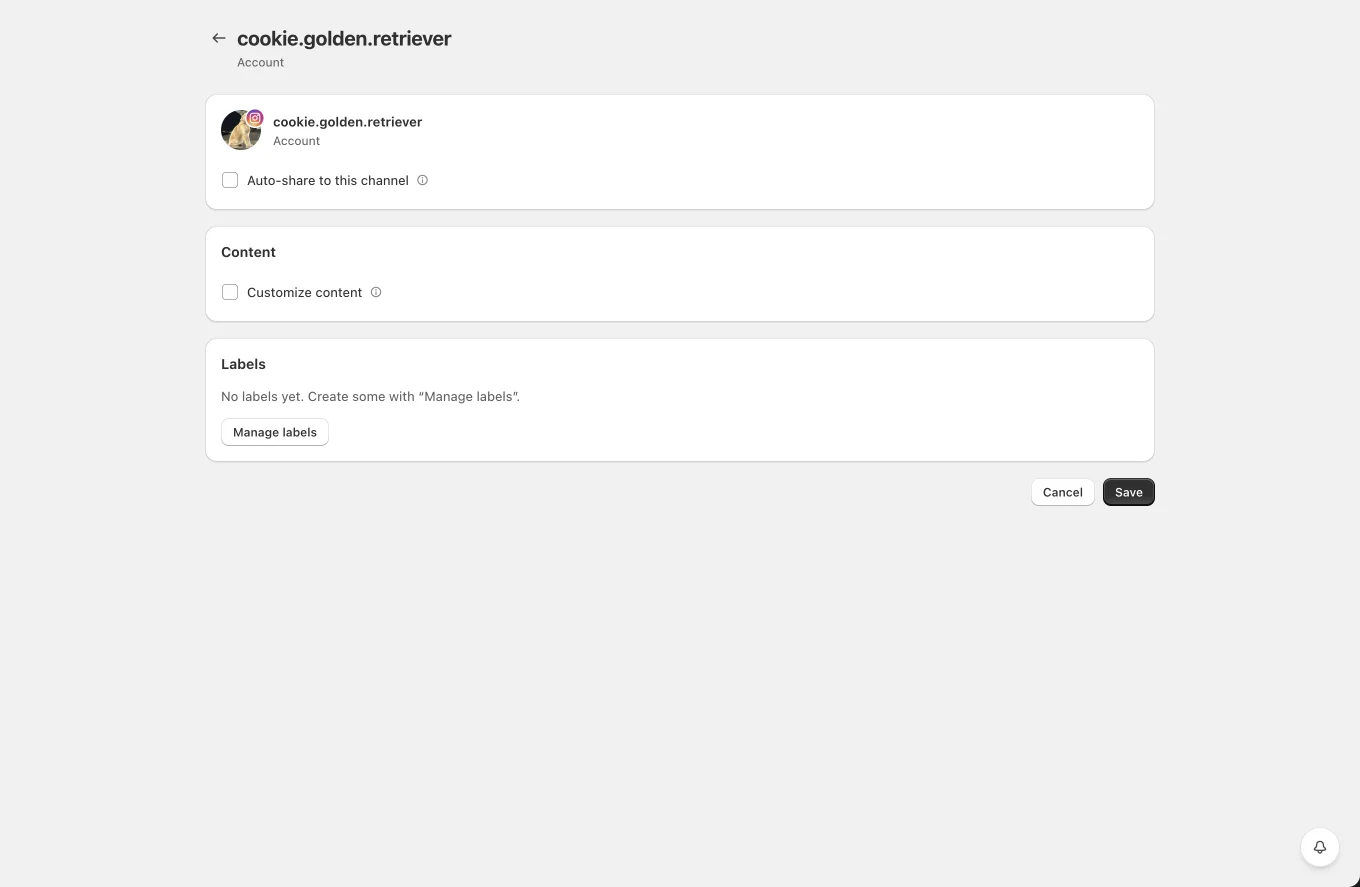
- Captions come from your Instagram template. Instagram captions cannot carry a clickable link, so there is no link option; put the product URL in your bio or use the first comment for context.
- Product images are uploaded directly. Instagram only accepts feed images between 4:5 and 1.91:1, so the Feed image fit setting controls how other shapes are adjusted: crop to fit or pad onto a background color you choose.
- Generate a video posts a branded product video rendered from your video template.
- First comment posts a comment right after the post, a common place for hashtags.
Stories
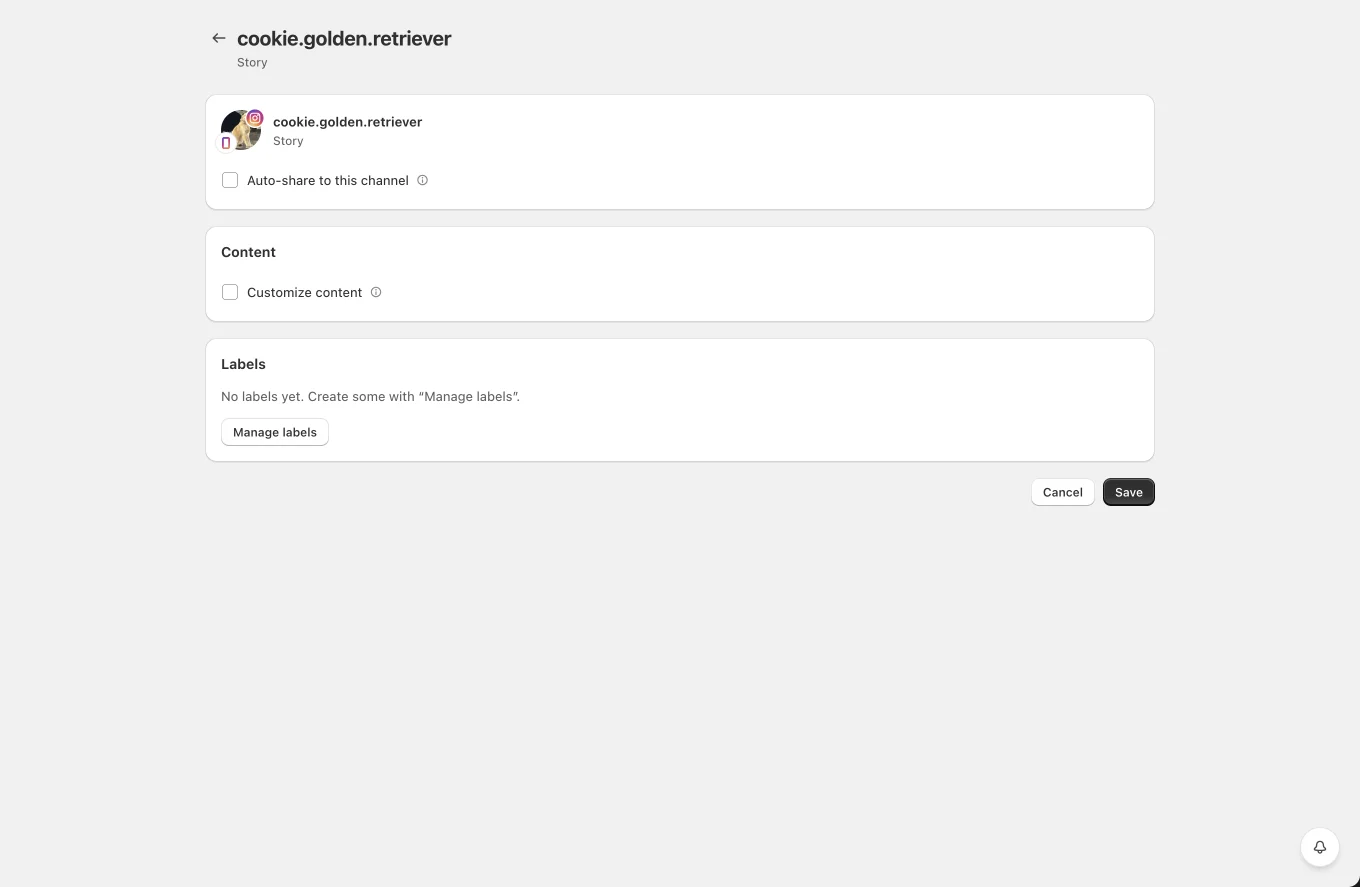
Story posts render the product image full-screen (1080 x 1920). In the Story channel settings you control:
- Background color used when the product image does not fill the frame.
- Draw the post text on the story: overlays your caption text on the image, with text color, background, opacity, font size and vertical position controls.
Tips and limits
- Instagram rate-limits publishing to roughly 100 API posts per account per day. Planners spread posts out, so this rarely matters in practice.
- If the account is disconnected from its Facebook Page (Facebook login method) or loses professional status, posting fails until you reconnect.
- Videos must finish processing on Instagram's side before they appear; Yoomru waits and retries automatically.