Facebook
 Instagram
 X (Twitter)
 TikTok
 Pinterest
 YouTube
 LinkedIn
 Threads
 Google Business Profile
 Telegram
 Discord
Planners
A Planner picks matching products from your catalog and posts them to chosen channels on a schedule, "share one random product to Instagram and Facebook every day at 9:00", forever or until the catalog is exhausted.
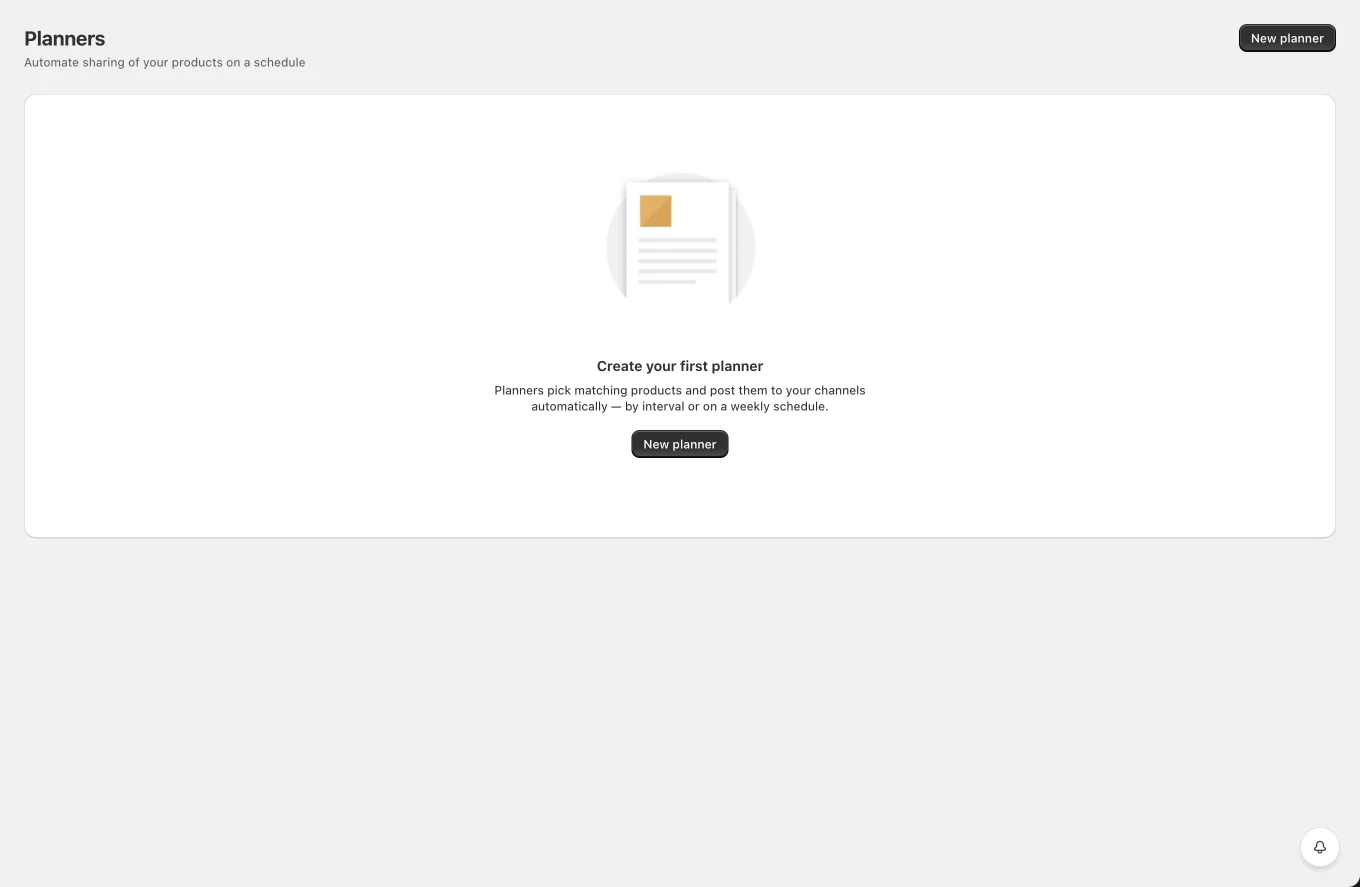
The Planners list
Tabs All / Active / Paused / Finished, search, and a table with the planner's channels (stacked avatars), schedule summary, status, next run time and the number of posts created so far. Row action: Pause / Resume. Bulk delete available. Click a row to edit.
Creating a planner
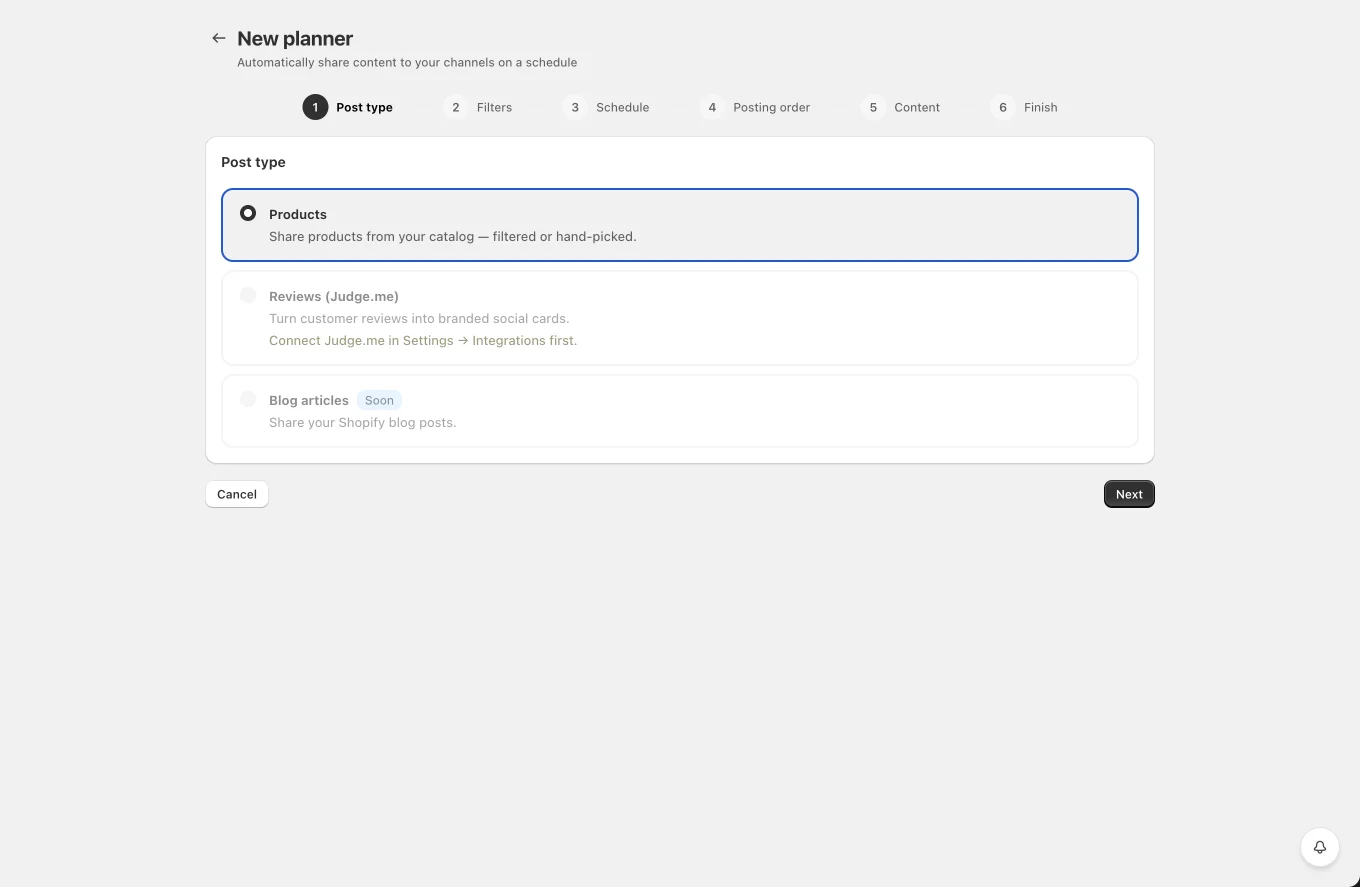
The editor is a six-step wizard: 1 Post type (Products / Reviews (Judge.me) / Blog articles, soon) → 2 Filters → 3 Schedule → 4 Posting order → 5 Content → 6 Finish (name + a summary of every choice). Visited steps are clickable in the indicator; each step validates before Next.
Content, the same composer as the docs, but in template mode (each channel opens prefilled from your templates, channel custom content, else the network's Settings template): you write one template per channel with shortcodes ({product_name}, {product_price}…), and every run fills it with that run's product. "Generate a video" here means a video is rendered automatically for each product when its turn comes.
Products, what to share:
- Filtered products: any combination of collection, tag, product type, vendor (the last three autocomplete from your catalog's existing values), creation date range, and Skip out-of-stock products (on by default; stock is re-checked right before each post too). Only active products are considered.
- Specific products: hand-pick products with a searchable multi-select.
- A live "N products match these filters" counter below the filters refreshes as you change them, so you can see the pool size before creating the planner. The count is exact, it applies the same rules the planner uses when picking each post. The Reviews post type shows the same counter for reviews (rating filter exact; verified/photo filters shown as
~Nsince they're checked at pick time). When the count is 0, the counter turns red and Next is disabled until the filters match something.
Planner name, how you'll recognize it later.
Schedule:
- Start at, the planner never posts before this date (works for weekly too).
- Interval, post every N minutes/hours/days. Optional sleep time window (e.g. 22:00–07:00, may wrap midnight): slots landing inside it wait until the window ends instead of being skipped.
- Weekly, pick weekdays and one or more times per day (e.g. Mon 09:00 + 14:30, Fri 18:00). Times are interpreted in your store's timezone.
Sort:
- Random, random order, no repeats until every matching product has been shared. Random truly samples your whole filtered catalog (up to 5,000 candidates per cycle).
- From new to old / From old to new. Old-to-new with filters never finishes, it waits for newer products.
- Repeat planner after finish, start the cycle over once everything has been shared.
Behavior details
- Products are re-checked just before posting, deleted or no-longer-matching products are skipped.
- Changing the planner's product selection (filters or the picked list) restarts its "already shared" memory; renaming or re-timing keeps it.
- A planner pauses itself if its channels are disconnected, so nothing silently fails.
- Clicking a planner (in the list, or a dashed slot on the Calendar) opens its info page: an activity log of every post it created (channel, text, status, time, click through to the post), overview counts (posts / published / failed), the next run time, and a setup summary. Edit is an explicit button there and in the list row.
- Editing a Finished planner reactivates it.
- Planner-created posts appear in the Calendar like any other post (marked "Created by a planner" in details).
- The Calendar also previews a planner's upcoming slots as dashed purple placeholder cards (planner name + its channels). They're a projection, the product/review is picked when the slot arrives. Slots load for the month you're looking at as you navigate. Clicking one opens the planner. Placeholders hide while status/search/product filters are active; channel and network filters narrow them.