
 Facebook
 Instagram
 X (Twitter)
 TikTok
 Pinterest
 YouTube
 LinkedIn
 Threads
 Google Business Profile
 Telegram
 Discord
Posting to Discord
Yoomru posts your products to Discord server channels through a webhook, with text, images and generated videos.
Connecting
Discord connects with a webhook instead of a login:
- In Discord, open the channel you want to post to and go to Settings, then Integrations, then Webhooks.
- Press New Webhook, name it (this name appears as the post author) and Copy Webhook URL.
- In Yoomru, open Channels, press Add channel, then Connect on the Discord row and paste the webhook URL.
Each webhook is one channel. Create webhooks in as many server channels as you need.
What you can post
- Text posts from your Discord template.
- Product images attached to the message.
- Generated product videos.
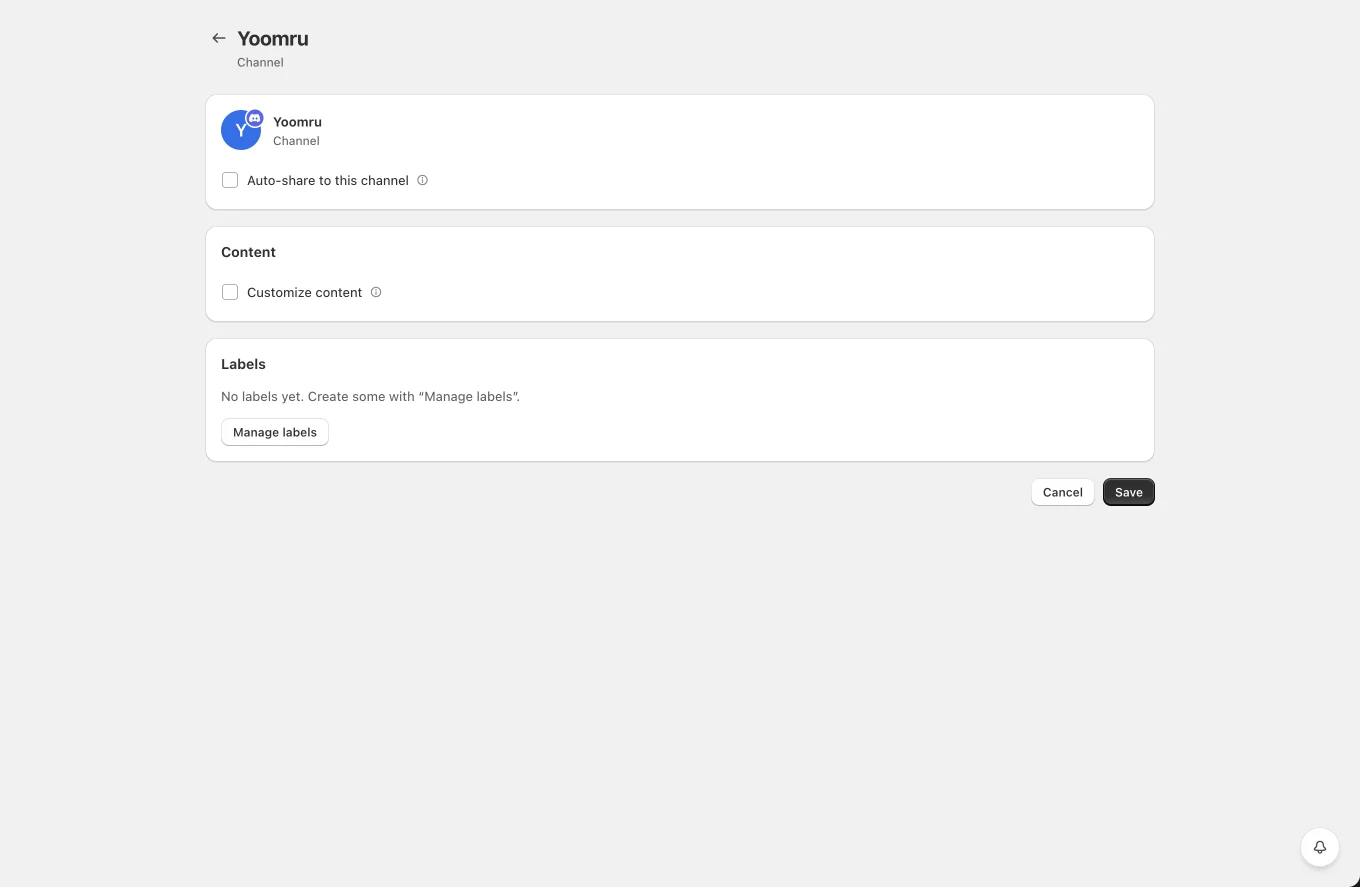
Channel settings
- Auto-share to this channel with product filters.
- Customize content: per-channel template and media toggles.
- Labels for planner targeting.
Tips and limits
- If the webhook is deleted on the Discord side, posts fail with a clear error; create a new webhook and reconnect the channel.
- Webhook uploads are limited by the server's upload size (8 MB on most servers). Large videos are better shared as a generated video optimized for social sizes.
- The webhook name and avatar set in Discord control how posts appear; Yoomru does not override them.