
 Facebook
 Instagram
 X (Twitter)
 TikTok
 Pinterest
 YouTube
 LinkedIn
 Threads
 Google Business Profile
 Telegram
 Discord
How to Promote Shopify Products on Facebook: A Simple Workflow
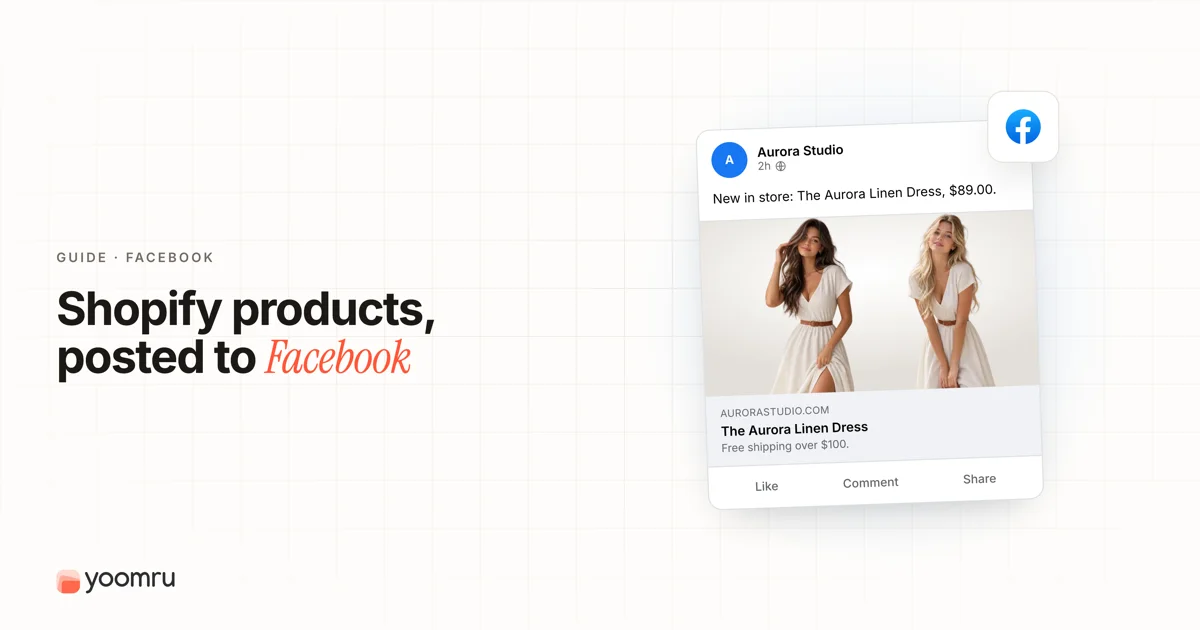
Facebook can still be useful for Shopify stores, but it works best when you treat it as more than a place to drop product links.
A good Facebook product post gives people a reason to stop, understand the product, trust the store, and click through when they are ready. That means your workflow should mix product education, customer proof, short videos, offers, and community-style updates.
This guide explains how to promote Shopify products on Facebook in a simple way, especially if you are a small store owner and do not have a full marketing team.
Quick answer
To promote Shopify products on Facebook, start by setting up the Facebook and Instagram by Meta sales channel in Shopify if your store is eligible. Then sync your products to a Meta catalog, keep your Facebook Page active, and publish product posts that match real customer questions.
A simple weekly Facebook workflow can include:
- one product benefit post
- one product demo or short video
- one customer review or FAQ post
- one collection, bundle, or offer post
- one community-style update, such as behind the scenes or founder notes
You can add ads later, but organic product posts are still useful for explaining your products, warming up your audience, and giving your Page a real content base.
What changes on Facebook compared with other platforms
Facebook is not the same as Instagram, TikTok, or Pinterest. It can support visual posts, videos, links, longer captions, groups, events, local updates, and customer conversations.
For Shopify stores, Facebook is often useful for:
- product launches and restocks
- seasonal offers
- local store updates
- customer education
- bundle announcements
- longer product stories
- FAQ-style posts
- retargeting audiences if you also use Meta ads
The main mistake is posting only product links with captions like "Buy now." Most shoppers need more context. They want to know who the product is for, why it matters, how it looks in use, and what makes your store trustworthy.
Step-by-step workflow for Facebook product promotion
1. Prepare your Shopify product page first
Before you post on Facebook, make sure the product page is ready. A good Facebook post cannot fix a weak product page.
Check that the Shopify product page has:
- a clear product title
- strong product photos
- a short benefit-focused description
- price, variants, and stock status
- shipping and return details where needed
- reviews or trust signals if available
- a clear call to action
If the Facebook post promises a bundle, restock, color, or discount, the linked page should show the same thing. Do not send people to a confusing page.
2. Connect Shopify to Meta if it fits your store
Shopify's Facebook and Instagram by Meta sales channel can sync your Shopify products to a Meta catalog. This can help you manage products for Facebook Shop, Instagram Shopping, and Meta advertising if your store meets the requirements.
Use the official setup flow from Shopify or Meta. Do not connect random third-party tools just to move faster. Make sure the business assets, Page ownership, ad account, and catalog access are controlled by your business.
This step is especially important if you plan to use product tags, catalog-based ads, or Facebook Shop features later.
3. Choose one product angle before writing the post
Do not try to say everything in one Facebook post. Pick one angle.
Useful product angles include:
- the problem the product solves
- one feature customers care about
- one use case
- one comparison
- one customer question
- one review or proof point
- one bundle or offer
- one seasonal reason to buy
For example, a skincare store should not write one long post about every ingredient, every discount, every review, and every routine. One post can explain who the product is for. Another post can show how to use it. Another can answer a sensitive-skin question.
4. Use a clear post format
Facebook gives you several simple formats. Match the format to the goal.
| Goal | Best format | Example |
|---|---|---|
| Explain a benefit | Image post or carousel-style image set | Show the product and list one clear benefit |
| Show how it works | Short video | Demonstrate the product in use |
| Build trust | Review or FAQ post | Answer a common objection with proof |
| Promote a set | Collection post | Show three products from the same collection |
| Drive urgency | Offer post | Announce a restock, weekend deal, or limited bundle |
Use one strong visual. If you upload several images, make sure each one adds something new. Avoid repeating the same product photo five times.
5. Write captions that feel useful, not pushy
A good Facebook product caption is simple. It explains the product, gives context, and asks for one action.
Use this basic structure:
- Start with the customer problem or use case.
- Explain the product benefit in plain language.
- Add one detail that builds trust.
- Tell people where to click or what to do next.
Example for a home decor store:
Small entryway? This wall shelf gives you a place for keys, mail, and daily items without taking floor space. It comes in three finishes and works well near doors, desks, and narrow hallways. See the full product details here: [product link]
This is better than a caption that only says, "New shelf available. Buy now."
6. Use product links carefully
Facebook posts can include links, but links alone are not a strategy. If every post sends people away with no useful context, the Page can start to feel like a feed of ads.
Use links when the next step is clear:
- view the product page
- shop a collection
- compare sizes or variants
- read the full product details
- claim a limited offer
When possible, link to the exact product or collection mentioned in the post. Do not send every post to the homepage.
7. Add customer proof when you have it
Customer proof works well on Facebook because many users read comments, captions, and longer updates. You can use reviews, customer photos, FAQs, or support questions as content ideas.
Examples:
- "A customer asked if this fits a small apartment. Here is the answer."
- "This review mentions the exact reason we made this bundle."
- "Here are three ways customers use this product after delivery."
- "Before you choose a size, check these two details."
Only use customer photos, names, and review screenshots when you have permission and when the content fits your store's privacy standards.
8. Mix organic posts with paid promotion when ready
Some Shopify stores use Facebook only for ads. Others use only organic posts. A balanced approach is often better.
Organic posts help you:
- keep your Page active
- explain products before people see ads
- collect reactions and questions
- test hooks before spending money
- build a content base for people who visit your Page
Paid promotion can help when you have a tested product page, clear offer, proper tracking, and enough margin to handle ad costs. Do not boost every post without a reason.
Facebook product post examples for Shopify stores
New product launch
Use this when a product is new and needs a short explanation.
Post idea: Introduce the product, show who it is for, and link to the product page.
Caption structure: "We made this for [customer problem]. It helps with [benefit]. Choose from [variants]. See the full details here: [link]."
Restock post
Use this when demand already exists.
Post idea: Show the product, mention the restock, and remind people why it sold out or why customers wanted it.
Caption structure: "Back in stock: [product]. Customers asked for this because [reason]. Available now in [variant]."
FAQ post
Use this when customers hesitate before buying.
Post idea: Turn one support question into a helpful post.
Caption structure: "Question we get often: [question]. Short answer: [answer]. Best for [use case]. Full details: [link]."
Collection post
Use this when products work together.
Post idea: Show a set, collection, bundle, or seasonal group.
Caption structure: "Planning for [season or use case]? These three products work well together because [reason]. Shop the collection here: [link]."
Behind-the-scenes post
Use this to make the store feel real.
Post idea: Show packaging, product prep, sourcing, founder notes, or a small detail about the product.
Caption structure: "A quick look at how we prepare [product]. This detail matters because [reason]."
Mistakes to avoid
Posting only discounts
If every Facebook post is a discount, customers learn to wait for sales. Mix offers with education, proof, and use cases.
Using one caption for every product
Template captions save time, but each product still needs a specific reason to care. Change the benefit, use case, and call to action.
Ignoring comments
A Facebook post can become a customer conversation. Reply to questions, clarify details, and turn repeated questions into future posts.
Sending all traffic to the homepage
People should land on the product or collection they saw in the post. A homepage link adds extra work and can reduce clarity.
Posting too many product links in a row
A Page that only posts product links can feel robotic. Add demos, reviews, FAQs, and behind-the-scenes content.
Simple weekly checklist
Use this checklist before planning Facebook posts for the week:
- Choose three to five products, collections, or offers to promote.
- Pick one angle for each post.
- Prepare one strong image or short video for each idea.
- Match each post to the correct product or collection link.
- Write captions in simple customer language.
- Add one review, FAQ, or proof post.
- Leave room for real-time comments and updates.
- Review clicks, comments, saves, and sales activity at the end of the week.
Where Yoomru fits
Yoomru is being prepared as a Shopify social media automation app and is currently under Shopify review. For Facebook workflows, it is built to help merchants turn Shopify product data into social posts, plan recurring product promotion, and keep product content moving across multiple networks.
Automation works best when the posts are still thoughtful. Use a clear product angle first. Then use tools to save time on planning, captions, and repeatable product promotion.
FAQ
Can I sell Shopify products directly on Facebook?
Eligible Shopify stores can use the Facebook and Instagram by Meta sales channel to sync products to a Meta catalog and use Facebook Shop features. Availability depends on store eligibility, region, account setup, and Meta requirements.
Should I use Facebook ads or organic posts first?
Start with organic posts if your product pages, visuals, and messaging are still untested. Use ads when you have a clear offer, working tracking, and enough margin to handle paid traffic.
How often should a Shopify store post on Facebook?
Many small stores can start with three to five Facebook posts per week. Focus on useful product content instead of posting every day with weak captions.
What should I post on Facebook for a Shopify product?
Post product benefits, short demos, customer reviews, FAQs, restocks, bundles, collection highlights, and behind-the-scenes updates. Avoid using only discount posts.
Should every Facebook post include a product link?
No. Use product links when the next step is clear. Some posts can focus on education, proof, or conversation without asking for a click every time.